App localization for indie developers: reach more people in their language
A practical localization guide for small teams: which languages to start with, preparing your code, translating well and localizing your store listing.
· 5 menit baca
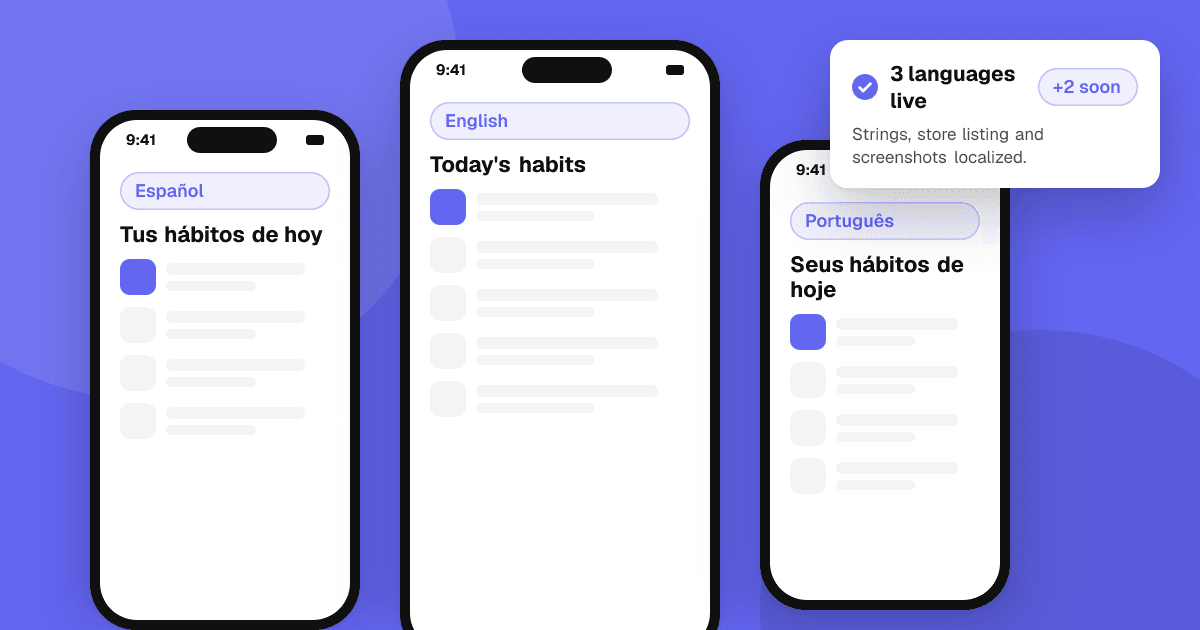
Short answer: start by localizing your store listing into a few languages where you already see interest, because that's cheap and shows you whether the market responds. Then prepare your code (no hard-coded text, flexible layouts, local date and number formats), translate the app with a mix of machine translation and native-speaker review, and test every language on a real device. Localize a few languages well rather than many badly.
Why localize at all?
Most people in the world don't use English as their first language, and many prefer apps in their own language even when they can read English. A translated store page and app can make your app understandable, and more trusted, to people who would otherwise scroll past. For small teams, it's one of the few growth levers that doesn't need an ad budget.
Which languages should I start with?
Use data, not guesses:
- Store console statistics: Play Console and App Store Connect show where your visitors and installs come from. Countries with visitors but low conversion are good candidates.
- Your genre: some genres are popular in particular regions. Look at the top charts of your category in different countries.
- Cost of support: every language means more text to maintain and possibly support emails in that language.
A common approach is to start with the store listing only for three to five languages, watch conversion for a few weeks, then translate the app itself for the ones that respond.
How do I prepare my code?
This is called internationalization (i18n), and it's much easier early than late:
- Move every user-facing string into resource files: strings.xml on Android, String Catalogs or Localizable files on iOS, and the equivalent in Flutter, React Native or Unity. No text in code or images.
- Use placeholders, not concatenation. "You have {count} new messages" should be one string with a placeholder, because word order differs between languages.
- Handle plurals properly. Some languages have more than two plural forms. Use the platform's plural support rather than adding an "s".
- Format dates, times, numbers and currencies with locale-aware APIs.
- Allow text to grow. Translations are often longer than English. Avoid fixed-width buttons and test with long strings.
- Support right-to-left languages such as Arabic and Hebrew if you plan to add them: mirrored layouts and the right text alignment.
- Check fonts for scripts like Devanagari, Thai, Chinese or Japanese.
How should I translate?
You have three main options, and many small teams mix them:
| Option | Speed | Quality | Best for |
|---|---|---|---|
| Machine translation alone | Fast | Uneven, often wrong in context | Internal drafts only |
| Machine translation plus native review | Medium | Good if the reviewer is careful | Most indie apps |
| Professional translators | Slower | Highest | Store listings and important flows |
Tips that improve any of them:
- Give context. A translator who sees "Back" without context doesn't know if it means a button or a body part. Add comments to strings and share screenshots.
- Keep a glossary of your app's key terms and their agreed translations.
- Avoid idioms and wordplay in source text; they rarely survive translation.
- Ask native-speaking users to review. People who already like your app are often happy to help, and they know how real users speak. Thank them in release notes if they want credit.
How do I localize my store listing?
The store listing is where localization pays off first:
- Translate the title, short description and full description, adapting them to how people search in that language rather than translating word for word.
- Localize screenshots, including caption text. If your app isn't translated yet, at least translate the captions.
- Research keywords per language. People in different countries describe the same thing with different words. See app store optimization for indie developers.
- Respect local norms in imagery and examples.
How do I test localized versions?
- Switch the device language and go through every main screen. Look for clipped text, overlapping elements and untranslated strings.
- Use pseudo-localization if your platform supports it: it fills the UI with longer, accented text so layout problems show up before real translations arrive.
- Ask a native speaker to use the app for ten minutes. They'll spot awkward phrasing a dictionary won't.
- Check formats: dates, decimal separators, currencies and sorting.
How do I handle support and reviews in other languages?
Localization doesn't stop at the app. People will write to you and review you in their language:
- Use translation to read messages, then reply in simple, clear English or a reviewed translation. A short, polite answer in their language goes a long way.
- Prepare a few common replies (refunds, known bugs, how to contact you) in each language you support, reviewed by a native speaker.
- Read reviews per country in the store consoles. A problem that only appears in one language is often a translation or formatting bug.
- Thank people who report translation mistakes, and fix them in the next update.
How do I keep translations up to date?
- Freeze new strings a few days before release so translators can catch up.
- Track which strings changed since the last translation.
- If a translation is missing, fall back to your source language rather than showing a key name.
- Consider a translation management tool once you have several languages; many have free plans for small or open source projects.
Next steps
Pick three languages from your console data, translate your store listing and captions first, and measure for a few weeks. Meanwhile, move your strings into resource files so the app is ready. For more on store pages, read how to write an app description that converts, and list your app on TrueLaunch, where people from many countries try new apps and leave honest reviews.
Frequently asked questions
Should I translate my store listing or my app first?
Usually the store listing first. It's less work, and conversion changes in each country tell you which languages are worth translating the full app for.
Is machine translation good enough?
On its own it often gets context wrong. Machine translation reviewed by a native speaker is a practical middle ground for most indie apps.
What is the difference between internationalization and localization?
Internationalization is preparing your code so it can support any language: no hard-coded text, flexible layouts and locale-aware formats. Localization is the actual translation and adaptation for each language and region.