How to make a mobile game trailer on a small budget
Make a mobile game trailer that works on store pages and social media: show gameplay in the first seconds, keep it short, plan shots and export the right sizes.
· 5 मिनट में पढ़ें
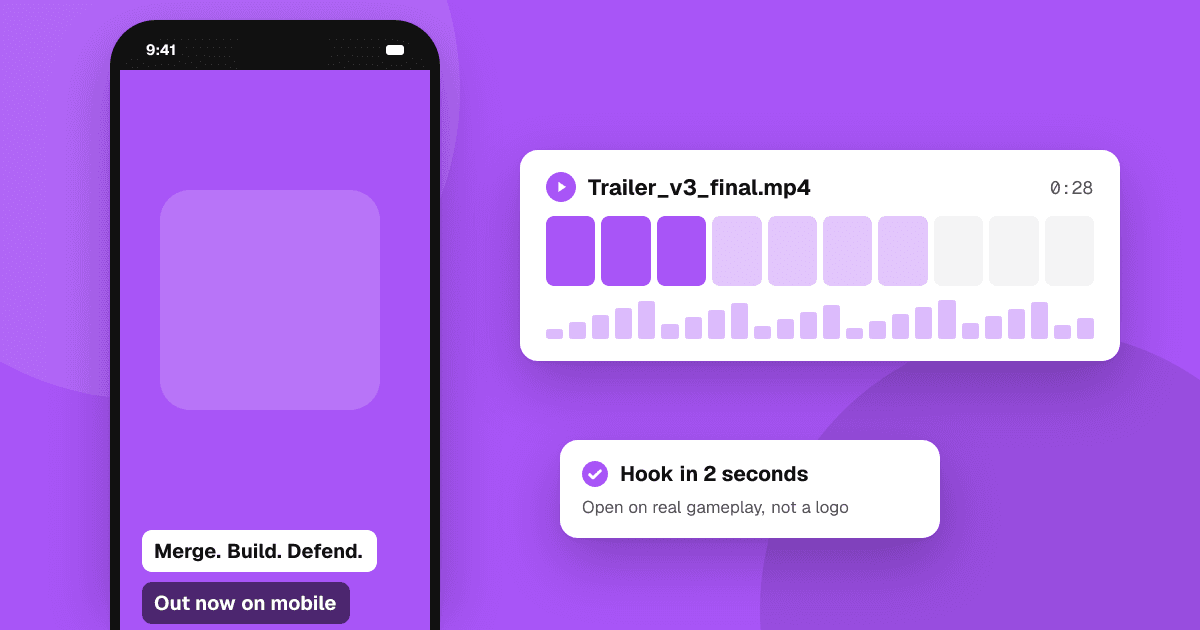
Short answer: a good mobile game trailer shows real gameplay in the first two seconds, explains the core idea without words, and ends with the game's name and where to get it. Keep it short (15 to 30 seconds for store pages and social clips), plan your best moments before recording, capture clean footage at full resolution, and make versions for each place it will appear: portrait for the App Store and short-video apps, landscape where needed for YouTube and Google Play.
What is a trailer for?
A trailer answers one question for a stranger: "What do I do in this game, and why is it fun?" It is not a story summary or a list of features. People scroll past in a second, often with sound off, so the trailer must work silently and grab attention immediately.
You will probably need a few versions:
- Store video: on the App Store, app previews are 15 to 30 seconds of footage captured from the game. On Google Play, the promo video is a YouTube link shown at the top of your listing.
- Short-video clips: portrait clips for TikTok, YouTube Shorts and Instagram Reels.
- A longer trailer: 45 to 90 seconds for YouTube, press kits and your website.
How do I plan the trailer?
Write a simple shot list before you record anything:
- Hook (0 to 2 seconds): your most striking gameplay moment. A big combo, a satisfying merge, a dramatic near-miss.
- Core loop (2 to 15 seconds): show what the player does again and again, clearly enough that a viewer could guess the controls.
- Variety (15 to 25 seconds): different levels, enemies, characters or modes, cut quickly.
- End card (last 3 to 5 seconds): game name, icon and where to get it ("Free on Google Play and the App Store", only if that's true).
Ask yourself: if someone sees only the first two seconds, do they know what kind of game this is?
How do I capture good footage?
- Record on a real device or a high-quality emulator at the device's full resolution.
- Use a clean build: hide debug text, test menus and placeholder art. Turn off notifications on the recording device.
- Play well. Record many takes and keep only the smoothest moments. Some developers add a hidden replay or "trailer mode" with god mode or scripted inputs to get perfect runs.
- Show touches carefully. A subtle tap indicator can help explain controls, but too many make the footage messy.
- Keep the UI readable. Viewers should understand the score, health or goal without explanation.
Apple's rules for app previews require footage captured from the app itself, so don't fill a store preview with cinematic scenes that aren't in the game. That's good practice everywhere: players feel cheated when the game doesn't match the trailer.
How do I edit it?
Free and low-cost editors are enough for most mobile trailers. Keep these principles:
- Cut fast at the start, slower in the middle. The hook should be quick; the core loop needs a moment to be understood.
- Sync cuts to the music if you use music. Make sure you have the rights to it; use your game's soundtrack or properly licensed tracks.
- Use short text captions, three to five words each ("Merge to grow", "Defend your base"). Many viewers watch with sound off.
- Avoid claims you can't back up, like "the best puzzle game of the year" or ratings from elsewhere.
- End clearly on the name and icon. Hold it long enough to read.
What sizes do I need?
Check each store's current specifications before exporting, as they change. In general:
- App Store app previews: specific resolutions per device size, in the orientation of your game, 15 to 30 seconds.
- Google Play: a YouTube video, landscape works best, with ads turned off for that video.
- Short-video apps: 9:16 portrait, ideally under 30 seconds.
- YouTube and press kit: 16:9 landscape, 1080p or higher.
If your game is portrait, a 9:16 version is natural for social apps. For landscape platforms, frame the gameplay in the center with a branded background, rather than stretching it.
How do I know whether the trailer works?
- Show it to people who don't know the game and ask them to explain what you do in it. If they can't, the core loop isn't clear yet.
- Watch retention on short-video platforms: if most viewers drop in the first two seconds, change the hook.
- Try store listing experiments on Google Play to compare different listing assets.
Common mistakes
- A logo or studio intro before any gameplay.
- Too many features, not enough of the core loop.
- Footage from an old build that no longer matches the game.
- Music too loud, or required to understand the trailer.
- A trailer much longer than the game's appeal can support.
Next steps
Write your four-part shot list today and record the hook first, because it matters most. Use clips from the same footage for short videos; our guide on promoting your indie game with short videos covers that. Then add the trailer to your listing and submit your game to TrueLaunch.
Frequently asked questions
How long should a mobile game trailer be?
For store pages and social clips, 15 to 30 seconds. App Store app previews must be 15 to 30 seconds. A longer 45 to 90 second trailer works for YouTube and press kits.
Can I use cinematic footage in an App Store preview?
App previews should be captured from the app itself and show real gameplay. Cinematic scenes that aren't in the game don't belong there and mislead players.
Do I need music in my trailer?
Music helps, but many people watch without sound, so the trailer should make sense silently. Use your own soundtrack or music you have the rights to use.