Google Play internal, closed and open testing explained
Google Play has three testing tracks: internal, closed and open. Here is how each one works, who can join, the tester limits and when to use which track.
· 5 menit baca
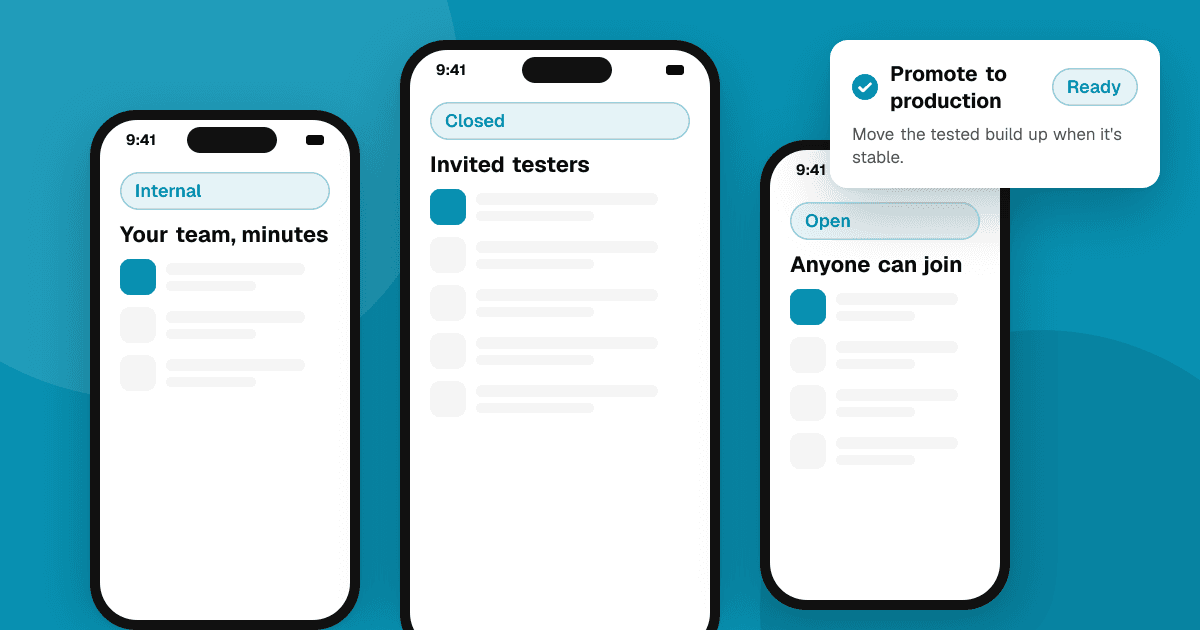
Short answer: internal testing is for your own small team (up to 100 testers) and gets builds out within minutes. Closed testing is for invited testers, by email list or Google Group, and is the track new personal accounts must use for the 12-tester, 14-day requirement. Open testing is a public beta that anyone can join from your Play Store page. Most apps use internal testing for quick checks, closed testing for a real beta and open testing only once the app is stable.
What are the three tracks?
| Internal testing | Closed testing | Open testing | |
|---|---|---|---|
| Who joins | Up to 100 testers you add by email | Testers you invite by email list or Google Group | Anyone who finds your app |
| Review | Builds available quickly, without full review | Reviewed like a production release | Reviewed like a production release |
| Visible on Play Store | No | No (opt-in link only) | Yes, as a beta on your listing |
| Store reviews | No public reviews | Private feedback only | Private feedback only |
| Best for | Your team, quick smoke tests | Real betas, the new-account requirement | Large public betas |
Limits and review behavior can change, so check the help text in Play Console for the current numbers.
When should I use internal testing?
Use it for fast checks by you and a few people you trust.
- Builds usually reach testers within minutes, which makes it great for checking that a release build installs and runs.
- You can have up to 100 testers.
- Testers need to be added by email and accept the opt-in link.
Internal testing does not count toward the closed testing requirement for new personal accounts.
When should I use closed testing?
Closed testing is the main beta track.
- Invite testers with an email list or a Google Group. Groups are easier when people join over time.
- You can create several closed tracks, for example one for friends and one for a community group.
- Builds go through review, so allow some time before testers see them.
- If your personal developer account was created after November 13, 2023, you need a closed test with at least 12 testers opted in for 14 consecutive days before you can apply for production access. See how to get 12 testers for Google Play closed testing.
When should I use open testing?
Open testing makes your beta public: anyone can find the app on Google Play and join.
- Good for stable apps that want lots of feedback before a big release, or for games running a public beta.
- You can limit the number of testers if you want to control the size.
- Expect less committed testers than in a closed beta: many people install and never open the app.
Don't use open testing for an app that still crashes often. First impressions count, even in a beta.
How do testers join a track?
- Add them (email list or Google Group) on the track's Testers tab.
- Share the opt-in link from that page.
- Each tester opens the link with the same Google account they use on their phone and accepts.
- They install or update the app from the Play Store as usual.
The most common problem is a tester using a different Google account on their phone than the one you invited. Ask them to check which account is active in the Play Store.
How do I move a build from testing to production?
In Play Console, you can promote a release from one track to another, for example from closed testing to production, without uploading again. Combine this with a staged rollout (releasing to a percentage of users first) to limit the damage if something goes wrong.
Which track should I use at each stage?
A simple path that works for most indie apps:
- Early builds: internal testing with yourself and one or two friends. Check that the release build installs, signs in and doesn't crash on launch.
- First real beta: a closed track with 15 to 20 invited testers and a clear plan. This is also where new personal accounts complete the 14-day requirement.
- Wider feedback: a second closed track for a community group, or open testing once crashes are rare and the core experience is solid.
- Release: promote the tested build to production with a staged rollout, and keep the internal track for quick checks of future updates.
You don't have to use every track. A small utility app might only need internal and closed testing; a game planning a big launch may run an open beta for weeks.
How do I get useful feedback from each track?
- Internal: a quick checklist of the main flows. Does it install, sign in and do the core thing?
- Closed: a short beta test plan with two or three tasks and specific questions.
- Open: in-app feedback links and crash reporting, because you can't talk to every tester. Our guide to crash reporting for indie developers explains the options.
Testers on Google Play can leave private feedback for you, which appears in Play Console. It doesn't affect your public rating. Don't ask testers for public Play Store ratings in return for access, and never reward a rating.
Next steps
Start with internal testing for your next build today, then set up a closed track with a Google Group for your beta. To find people outside your circle, list your app on TrueLaunch and compare tools in beta testing platforms for indie developers.
Frequently asked questions
Does internal testing count for the 12-tester requirement?
No. New personal developer accounts need a closed test with at least 12 testers opted in for 14 consecutive days. Internal testing doesn't count toward it.
How many testers can I have on Google Play internal testing?
Up to 100. Closed and open testing allow far more testers. Play Console shows the current limits for each track.
Can beta testers leave public reviews on Google Play?
Testers can send private feedback to you through the Play Store during a test, which doesn't count toward your public rating.