Mobile game onboarding: how to win the first five minutes
Most players decide in minutes whether a mobile game is worth keeping. How to design onboarding that teaches by playing, gets to the fun fast and avoids walls.
· 5 min read
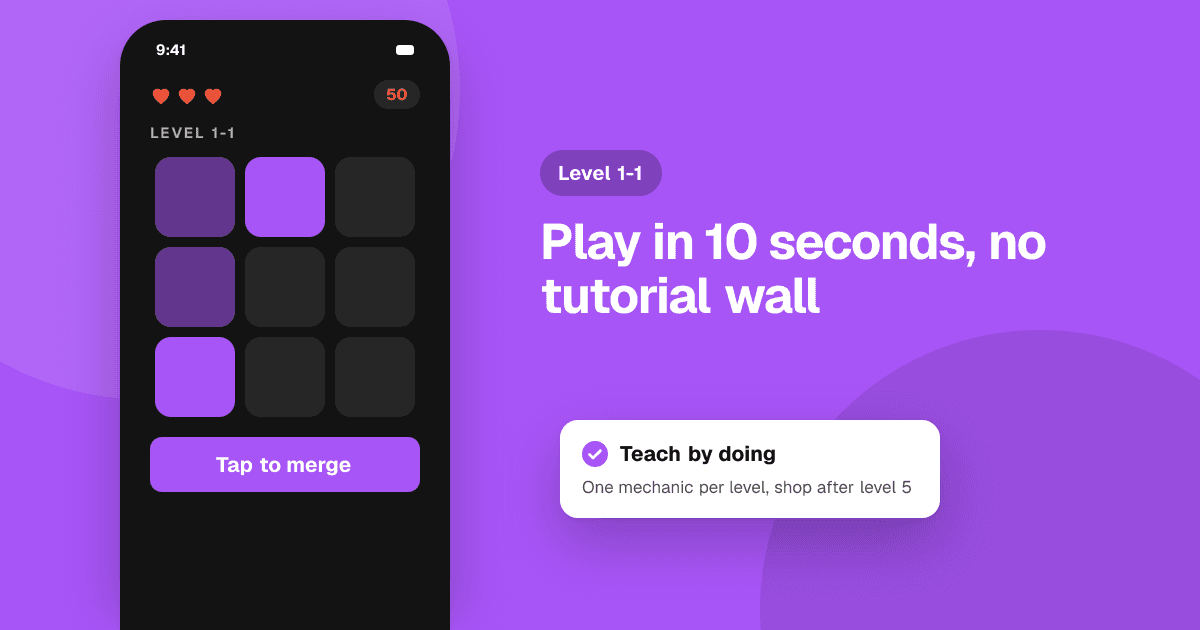
Short answer: in the first five minutes a player should do the core fun thing, understand why they want to keep going, and never feel lost or blocked. Skip long intros and text tutorials, teach one mechanic at a time through play, give an early win, and hold back sign-ups, permission requests and shop screens until the player cares. Then watch strangers play and fix the exact moments they hesitate.
Why do the first five minutes matter so much?
Mobile players install casually and uninstall just as casually. They try your game on a bus, between tasks or before sleep, often with sound off. If the opening is slow, confusing or asks for too much, they close it and rarely return. Your store page got them to install; your onboarding decides whether they stay.
The goal is not to explain everything. It's to make the player feel: "I get it, this is fun, and there's more."
What should happen in the first minute?
- Get to gameplay fast. Show the logo briefly, then let the player touch something. A long cinematic or a wall of story text loses people before they've played.
- Make the first action obvious. One glowing button, one swipe, one tap on an enemy. No menus.
- Give feedback for every action. Sound (for those with it on), animation, vibration and a clear result make the first taps feel good.
- Load quickly. Download extra content in the background after the player starts, not on a progress bar before they've played.
How do I teach mechanics without a tutorial wall?
Teach by doing, one idea at a time:
- Introduce one mechanic in a safe situation where failure costs nothing.
- Let the player use it a few times until it clicks.
- Add the next mechanic only once the first is understood.
- Combine them in a small challenge that feels like a real level.
Keep text short enough to read in a glance. A hand pointer or a highlighted area beats a paragraph. If you need many popups to explain a mechanic, the mechanic itself may be too complex for the start of the game.
When should I show sign-ups, permissions and the shop?
Later than you think. Each interruption before the player cares is a reason to quit:
- Account sign-up: let people play as a guest and offer an account when they have progress worth saving.
- Notification permission: ask after the player has done something that makes reminders useful, and explain why ("We'll tell you when your energy is full"). The system prompt usually only appears once, so a denied request is hard to undo.
- Shop and offers: let players enjoy the game before you sell anything. A pop-up deal in the first minute feels like a trap.
- Ads: avoid interstitial ads during onboarding. Players judge your whole game by its first impression.
How do I give players a reason to come back?
The end of the first session should leave a hook:
- An early win: a level cleared, an item unlocked, a character upgraded.
- A visible next goal: the locked area, the next world, the half-filled progress bar.
- A light reason to return: a daily reward or a timer that finishes later, used fairly and without punishing players who miss a day.
How do I find out where players get stuck?
Data and observation together:
- Watch new players. Five people playing for the first time, without your help, will show you the exact screens where they hesitate. Don't explain anything; note where they pause, tap the wrong thing or frown.
- Track funnel steps. Count how many players reach each onboarding step (with consent where required). A big drop between two steps points to a problem.
- Ask simple questions afterwards: what was fun, where were you confused, did anything break?
On TrueLaunch, reviewers answer exactly those three questions, which makes it a useful outside check on your first five minutes. For more ways to get honest answers, read how to get honest feedback on your app.
What are common onboarding mistakes?
- Forced, unskippable tutorials for returning or experienced players.
- Teaching every system at once: crafting, upgrades, shop and guilds in the first session.
- A difficulty spike right after the tutorial, so the first real level feels like a wall.
- Asking for a store rating during onboarding. Ask only after positive moments, much later, and never for a specific rating.
- Tiny tap targets and text that is unreadable on small phones.
A quick onboarding checklist
- Gameplay within seconds of opening the game.
- One mechanic at a time, taught by doing.
- No sign-up, permission request or shop before the player cares.
- An early win and a visible next goal.
- Tested with at least five new players you didn't help.
- Works with sound off and on small, older phones.
Next steps
Record yourself playing your first five minutes as if you'd never seen the game, then cut every second that isn't fun or necessary. Find fresh players with our guide on how to find playtesters for your indie game, and list your game on TrueLaunch to hear from people who have never played it.
Frequently asked questions
Should a mobile game have a tutorial?
Yes, but teach by playing rather than with text screens. Introduce one mechanic at a time in a safe situation, and let experienced players skip ahead.
When should I ask players to create an account?
After they have progress worth saving. Let people play as a guest first; an early sign-up wall makes many players quit before they've seen the fun.
When should I ask for notification permission?
After the player has a reason to want reminders, with a short explanation of what you'll send. The system prompt often appears only once, so asking too early wastes it.