How to run an in-app survey users actually answer
Ask the right people one or two short questions at the right moment. How to design an in-app survey, avoid biased questions and turn answers into fixes.
· 3 min de lectura
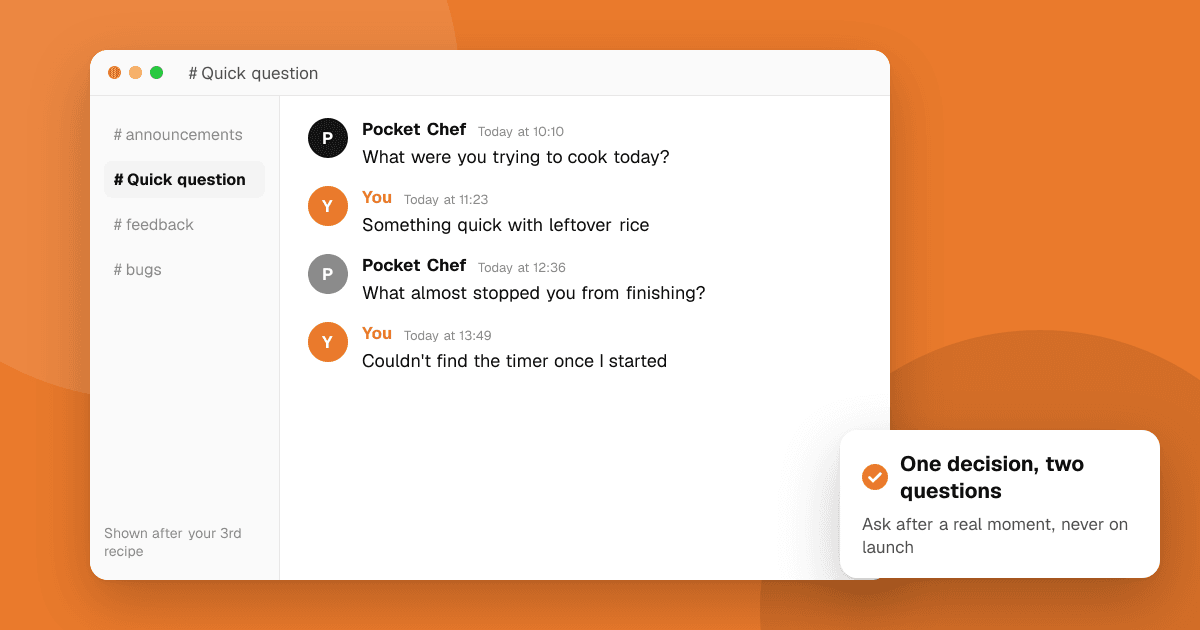
Short answer: decide the one decision the survey should help you make, ask one or two short questions right after a relevant moment (not on launch), and include one open text question. Show it to a small share of active users, never block the app, and never tie the survey to store ratings or rewards for positive answers. Read every written answer, group them into themes and tell users what you changed.
What should my survey find out?
Start from a decision, not curiosity:
- "Should we build export or sharing next?"
- "Why do people stop after day two?"
- "Is the new editor easier than the old one?"
If the answer won't change what you do, don't ask the question.
When should the survey appear?
- After a meaningful moment: finishing a task, the third session, after using a new feature.
- Never on first launch or in the middle of a task.
- Not too often: once per user per few months is plenty for general surveys.
- Only to a sample of users, so you don't interrupt everyone.
How do I write good survey questions?
- One idea per question. "Is the app fast and easy?" is two questions.
- Neutral wording. "How easy was it to create a list?" rather than "How much did you love the new list screen?"
- One open question. "What almost stopped you from finishing?" often teaches you more than any score.
- Short scales (1 to 5) with labeled ends, if you use a scale at all.
Good starting set:
- "What were you trying to do today?" (open)
- "How easy was it?" (1 = very hard, 5 = very easy)
- "What's one thing we should change?" (open)
What should I avoid?
- Asking for store ratings in the survey, or only sending happy users to the store. That is "review gating", and both stores restrict it. Read how to ask for app store reviews the right way.
- Rewards for positive answers. If you thank people, thank everyone the same, whatever they said.
- Collecting personal data you don't need. Don't ask for names or emails unless you'll follow up, and mention the survey in your privacy policy if it collects personal data.
- Long surveys. Each extra question lowers completion.
How do I turn answers into action?
- Read every open answer. Tag each with a theme (onboarding, sync, pricing).
- Count themes, but weigh them by how badly they hurt users.
- Pick one or two fixes and ship them.
- Close the loop in release notes: "You told us X, so we changed Y."
Our guide on how to prioritize user feedback explains how to rank what you hear.
Next steps
Write down the one decision you need to make, draft three questions and pick the moment in your app where they fit. For feedback from people outside your user base, list your app on TrueLaunch: reviews there are structured as what worked, what could be better and bugs.
Frequently asked questions
How many questions should an in-app survey have?
One to three. Short surveys get far more answers, and one open question usually gives the most useful detail.
Can I send happy survey respondents to leave a store review?
Avoid it. Sending only satisfied users to the store is review gating, which store policies restrict. Ask for reviews with the official prompts and treat every user the same.
When should an in-app survey appear?
After a meaningful moment, such as finishing a task or using a new feature, and never on first launch or in the middle of something the user is doing.