How to test your app on many Android devices without owning them
Android runs on thousands of devices. Test yours with emulators, Firebase Test Lab, the Play Console pre-launch report, a few cheap phones and real testers.
· 5 मिनट में पढ़ें
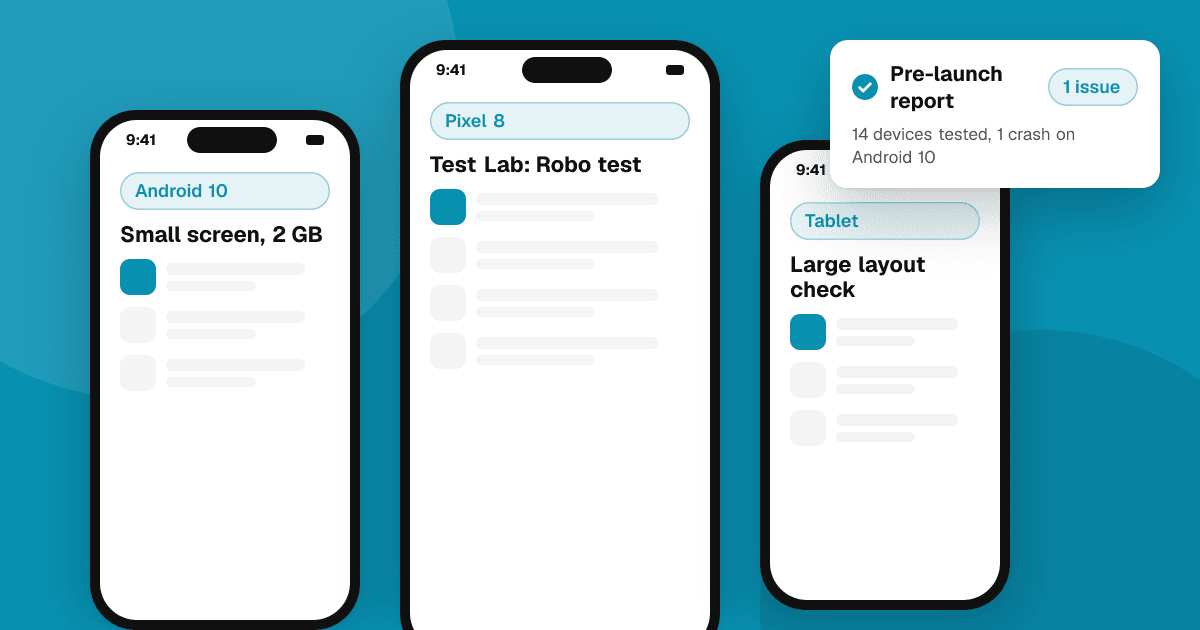
Short answer: combine four layers. Use the Android Emulator for daily checks across screen sizes and Android versions, Firebase Test Lab to run your app on real devices in Google's data centers, the pre-launch report in Play Console that tests builds you upload to a testing track automatically, and one or two cheap, older phones on your desk. Then add real testers with their own devices, because they find the problems no lab does.
Why is Android testing so hard?
Android apps run on phones from many manufacturers, with different screen sizes, Android versions, amounts of memory, chipsets and manufacturer customizations. A layout that looks perfect on your phone can overlap on a small screen, and an app that runs smoothly on a flagship can stutter on an older budget phone. You can't own every device, so the goal is to cover the most common risks cheaply.
What should I test with the Android Emulator?
The emulator in Android Studio is free and fast to set up. Create a handful of virtual devices that cover the extremes:
- A small phone and a large phone, to catch overlapping and cut-off layouts.
- A tablet or a foldable, if your app supports them.
- The oldest Android version you support and the newest one.
- Different settings: large font size, display scaling, dark theme, another language with longer words, and right-to-left layout if you localize for those languages.
Emulators are great for layout, flows and behavior differences between Android versions. They are weaker for real performance, camera, sensors and battery, so don't use them to judge speed.
What does Firebase Test Lab add?
Firebase Test Lab runs your app on real physical devices and virtual devices hosted by Google. You can:
- Run a Robo test, which crawls your app automatically by tapping through screens, and get screenshots, videos, logs and crash reports.
- Run your own instrumentation tests (for example Espresso tests) on many devices at once.
- Pick devices by manufacturer, model, Android version and orientation.
It has a free usage tier with daily limits and paid usage beyond that; check the current quotas in the Firebase documentation. A good habit is a short Robo run on a few popular real devices before each release.
What is the Play Console pre-launch report?
When you upload an app bundle to a testing track in Play Console, Google can automatically test it on a range of real devices and produce a pre-launch report. It shows:
- Stability issues, such as crashes and app-not-responding errors, with stack traces.
- Screenshots of your app on different devices, so you can spot layout problems quickly.
- Performance and accessibility suggestions, like small touch targets or missing content labels.
- Security warnings for known vulnerabilities.
If your app needs sign-in, you can give the crawler test credentials in Play Console so it can get past the login screen. Check the report every time you upload a new build; it costs nothing and often catches crashes on devices you never considered.
Why do I still need a cheap phone?
Nothing replaces holding a slow device. Buy one or two inexpensive or second-hand phones that match what many of your users likely have:
- Low memory, to see how the app behaves when Android closes it in the background.
- An older Android version you still support.
- A slower chip, to feel start-up time, scrolling and animations.
- A small screen.
Use it for every release: install, sign in, do the main tasks, switch apps, rotate, turn on battery saver and use a weak network. If it feels good there, it feels good almost everywhere.
How do real testers help?
Real people use real devices in real conditions: busy networks, full storage, odd settings, accessibility features and apps that interfere with yours. Invite testers through Play Console testing tracks:
- Internal testing for your team and fast checks.
- Closed testing for invited testers; new personal developer accounts must run one before production. See how to get 12 testers for closed testing.
- Open testing for a public beta once the app is stable.
Ask every tester for their device model and Android version when they report a bug, plus steps to reproduce. Our guide on Google Play testing tracks explains each track in detail.
What should my release checklist include?
- Layout checked on small, large and tablet emulators.
- Oldest and newest supported Android versions tested.
- Robo test or instrumentation tests on a few real devices in Test Lab.
- Pre-launch report reviewed, with crashes fixed.
- Main tasks done on your cheap phone, including background and resume.
- Large font, dark theme and another language checked.
- Testers' bug reports triaged.
Next steps
Set up three emulator profiles today, upload your next build to a testing track to get a pre-launch report, and buy one inexpensive test phone. For crash monitoring after launch, read crash reporting for indie developers, and list your app on TrueLaunch to get reviews from people on devices you'd never think to test.
Frequently asked questions
Is the Android Emulator enough for testing?
It's great for layouts, flows and Android version differences, but not for real performance, sensors or battery. Combine it with real devices, Firebase Test Lab and testers.
What is the Play Console pre-launch report?
An automatic test Google runs on real devices when you upload a build to a testing track. It reports crashes, shows screenshots on different devices and suggests performance and accessibility fixes.
Is Firebase Test Lab free?
It has a free usage tier with daily limits, and paid usage beyond that. Check the current quotas in the Firebase documentation before planning large test runs.
Which real phone should I buy for testing?
An inexpensive or second-hand phone with low memory, a slower chip, a small screen and an older Android version you support. If your app feels good there, it usually feels good everywhere.