How to write a privacy policy for your app
Both app stores expect a privacy policy link. Here is what an indie app's privacy policy should cover, how to write it plainly and where to host it.
· 6 मिनट में पढ़ें
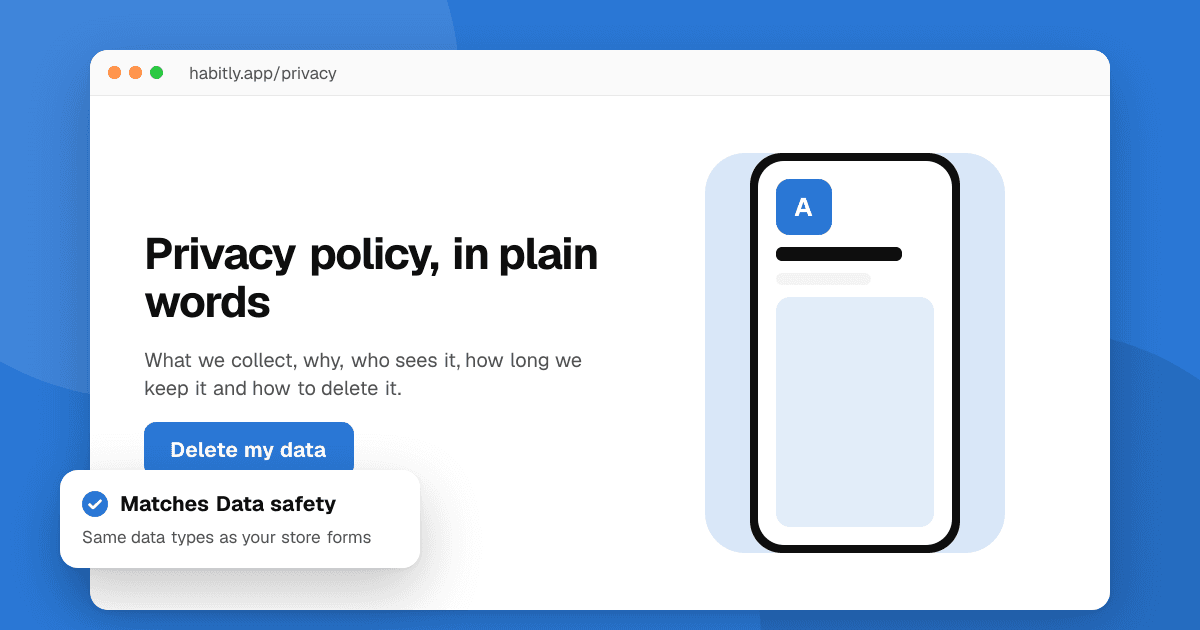
Short answer: a privacy policy explains, in plain words, what data your app collects, why, who you share it with, how long you keep it and how people can ask you to delete it. Start by listing every piece of data your app and its SDKs touch, then write one short section for each of those questions, host the page at a stable public URL and link it in Play Console, App Store Connect and inside the app. Keep it true: the policy must match what the app actually does. This guide is practical help, not legal advice; if you handle sensitive data or serve children, talk to a lawyer.
Do I really need a privacy policy?
Almost certainly yes. Google Play requires a privacy policy link for every app in Play Console, and the App Store asks for a privacy policy URL for every app as well. Privacy laws in many places (for example the GDPR in the EU and UK, the CCPA in California, the LGPD in Brazil and the DPDP Act in India) also expect you to tell people how you use their data. Even an app that collects nothing should say so clearly.
Check the current requirements in Play Console and App Store Connect before you publish, because they change.
Step 1: what data does my app actually collect?
You can't describe what you haven't mapped. Make a simple table with one row per kind of data:
| Data | Where it comes from | Why you need it | Who else gets it | How long you keep it |
|---|---|---|---|---|
| Email address | Sign-up form | Account and password reset | Your email provider | Until the account is deleted |
| Crash logs | Crash reporting SDK | Fixing bugs | The SDK provider | 90 days |
| Purchase history | Store billing | Restoring purchases | Google or Apple | As required for records |
Go beyond your own code:
- Every SDK and library: analytics, crash reporting, ads, login, payments, push notifications. Read each one's data documentation; many collect device identifiers or IP addresses on their own.
- Your backend: server logs often contain IP addresses and user agents.
- Permissions: location, camera, microphone, contacts, photos. If you ask for it, explain it.
This table also makes the Google Play Data safety form and App Store privacy labels much easier, because they ask the same questions.
Step 2: what sections should the policy have?
A clear policy for a small app usually needs these parts:
- Who you are and how to contact you (an email address that someone reads).
- What you collect, grouped by type: account details, content people create, usage data, device data, location and so on.
- Why you collect it, tied to each type: running the app, fixing bugs, preventing abuse, sending emails people asked for.
- Who you share it with: service providers (hosting, email, analytics, crash reporting, ads), and whether you sell data (say plainly if you don't).
- How long you keep it and what happens when an account is deleted.
- People's choices and rights: how to access, correct, export or delete their data, how to turn off optional tracking and how to withdraw consent.
- Children: whether the app is meant for children and what you do if a child's data is collected by mistake.
- Security: in general terms, how you protect data (encryption in transit, limited access).
- International transfers, if your servers or providers are in other countries.
- Changes: how you'll tell people when the policy changes, plus a "last updated" date.
How do I write it so people understand it?
- Use short sentences and everyday words. "We keep your email so you can sign in" beats a paragraph of legal phrasing.
- Lead each section with the answer, then the details.
- Be specific. "We use a crash reporting service to collect crash logs, which include your device model and OS version" is more useful and more honest than "we may collect certain information".
- Avoid "may" when you mean "do". If the app collects something, say so.
- Keep it in sync. Every time you add an SDK or a feature that touches personal data, update the table from step 1 and the policy.
Can I use a privacy policy generator?
Generators and templates are a reasonable starting point for small apps, but treat the output as a draft:
- Remove anything that doesn't apply. A policy that lists data you never collect is confusing and can be inaccurate.
- Add the SDKs and services you actually use; generic templates miss them.
- Make sure the contact details, company name and dates are right.
The finished policy must describe your app, not a generic one.
Where should I host it?
- A public web page on your own domain or website, reachable without signing in and without downloading a file. A PDF link or a page behind a login can cause store rejections.
- A stable URL that won't change when you redesign your site.
- Linked in three places: Play Console (App content), App Store Connect (App Privacy) and inside the app (settings or the sign-up screen).
If you don't have a website yet, a simple static page is enough. Some developers host it on a free static hosting service; just make sure it stays online.
What mistakes cause problems?
- The policy doesn't match the app. If the store's review or a user finds data collection the policy doesn't mention, that's a policy violation and a trust problem.
- Forgetting SDKs. Ads and analytics SDKs are the usual culprits.
- No way to delete data. Google Play requires apps that let people create accounts to offer a way to request account and data deletion, including a web link, and Apple requires in-app account deletion for apps that support account creation. Confirm the exact current requirements in each console.
- A broken link. Check the URL before every release.
Next steps
Make the data table today; it takes an hour and makes everything else easier. Then write the policy section by section, host it, and fill in the store privacy forms with our guide to Google Play Data safety and App Store privacy labels. Publishing for the first time? Follow how to publish your first app on Google Play or on the App Store, and when you're live, list your app on TrueLaunch.
Frequently asked questions
Does my app need a privacy policy if it collects no data?
Yes, in practice. Both stores ask for a privacy policy URL, and a short policy that says clearly that the app collects no personal data, and names any SDKs that might, is the honest way to meet that.
Can I copy another app's privacy policy?
No. Besides copyright, it won't describe your app. Use templates only as a structure, then write what your app and its SDKs actually do.
Where do I put the privacy policy link?
In Play Console under App content, in App Store Connect under App Privacy, and somewhere easy to find inside the app, such as Settings or the sign-up screen.
Is this guide legal advice?
No. It is practical guidance for indie developers. If your app handles health, financial or children's data, or you're unsure what applies to you, ask a lawyer.