How to write an app description that converts
Most people read only the first lines of your app description. How to write a store description that explains the app fast and turns visitors into installs.
· 5 मिनट में पढ़ें
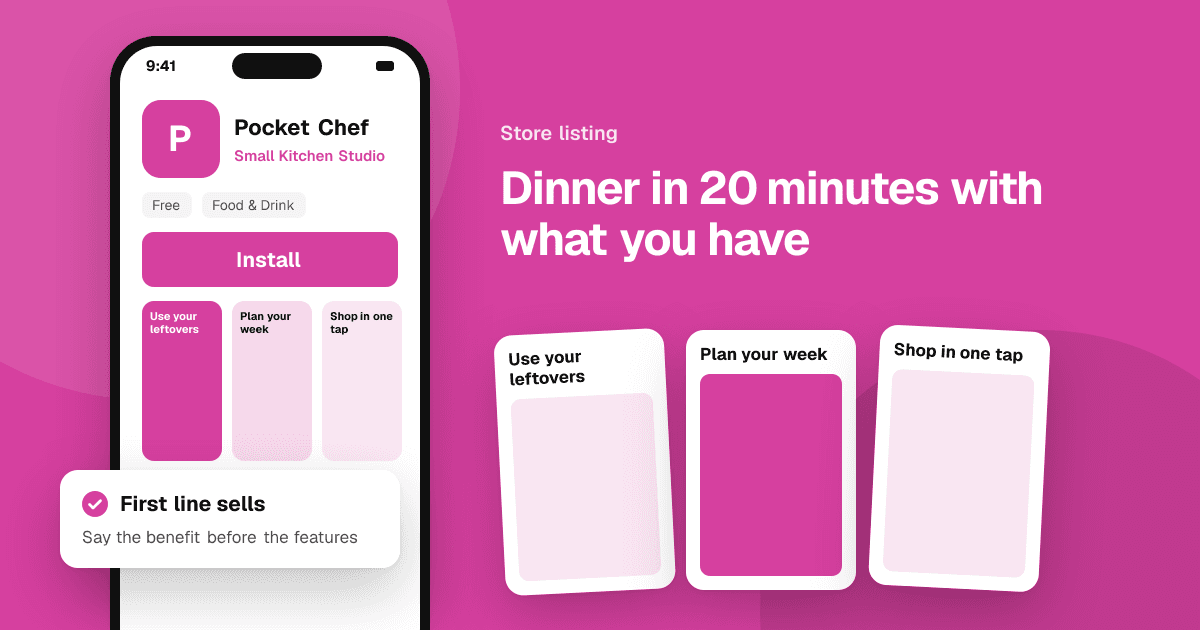
Short answer: most visitors read only the first two or three lines, so put the most important thing there: what the app does, for whom and why it's better than the alternative. Then use short sections with the main benefits, a few concrete features, and proof such as awards or press, never fake numbers. Write in your users' words, keep sentences short, and update the description when you learn what people care about.
Why does the description matter?
Your icon and screenshots make people stop. The description answers the questions they still have: "Is this for me?", "Does it do the thing I need?", "Can I trust it?" A clear description also helps with search on Google Play, which reads the full description. (The App Store doesn't use the description for search, so there you can write purely for people.)
What should the first lines say?
On both stores, the description is collapsed behind a "more" link on many screens. The first lines are your pitch. A good opening answers three questions:
- What does it do?
- Who is it for?
- Why this app?
Compare:
"Welcome to Pebble, the ultimate productivity solution designed with love!"
with:
"Pebble helps you build small daily habits in under a minute a day. No accounts, no ads, just a simple checklist that keeps your streak going."
The second one tells a visitor exactly what they get. On Google Play, the short description (up to 80 characters) is the line most people see first, so make it your one-sentence pitch.
How should I structure the rest?
Use a simple structure that's easy to scan on a phone:
- Opening pitch (2 to 3 sentences).
- Main benefits as a short list, written as results for the user: "Never forget a bill again", not "Notification system".
- Key features in plain language, grouped if there are many.
- Proof, if you have it: an award, a press quote, a well-known user. Only real facts.
- Details people need: what's free and what's paid, which devices are supported, offline use, languages.
- A short closing line with a clear invitation, like "Start your first habit today."
Use line breaks and simple lists. Google Play supports some basic formatting; the App Store shows plain text, so use simple line breaks and dashes instead of fancy formatting.
How do I write in my users' words?
Read what people say about the problem your app solves: in reviews of similar apps, in community discussions, and in the feedback you collect. Notice the words they use.
- Users say "track my spending", not "expense management solution".
- Players say "relaxing puzzle game", not "casual cognitive experience".
Using their words makes the description feel familiar, and on Google Play it also helps you rank for the phrases they actually search.
What should I avoid?
- Keyword stuffing. Repeating the same phrase over and over, or listing keywords at the bottom, reads badly and breaks Google Play's metadata policy.
- Claims you can't prove. "Best", "No. 1" or "millions of users" need to be true and verifiable. Don't invent numbers.
- Mentioning store ratings or reviews, such as quoting your average rating or asking for a particular number of stars. Ratings change, and asking for specific ratings is against store rules.
- Competitor names and trademarks. They can get your listing rejected.
- A wall of features. Twenty bullet points hide the three that matter.
- Hiding the price model. If key features need a subscription, say so. Surprised users leave bad reviews.
How do I write for games?
Games sell on feeling and gameplay more than features:
- Open with the core fantasy or loop: "Build a tiny island village, one cozy day at a time."
- Describe what players do, in active verbs: explore, merge, build, defend.
- Mention what makes it different: hand-drawn art, no timers, offline play, no ads.
- Be clear about monetization: premium, free with ads, in-app purchases.
Should I translate the description?
If you have users in other countries, yes. A translated description often helps far more than people expect, even if the app itself is only partly translated. Use a native speaker or a professional translator for at least the first lines and the short description, rather than a raw machine translation.
How do I improve the description over time?
- Test it. Google Play store listing experiments can test descriptions on a share of your visitors.
- Listen to feedback. If reviewers keep praising a feature you barely mention, move it up. If people are confused about something, explain it.
- Update with big releases, and use the App Store's promotional text field (which you can change without a new version) for news and events.
Getting honest feedback from strangers helps here too: they tell you which parts of the app they actually value. Read how to get honest feedback on your app.
A quick checklist
- First lines say what, for whom and why.
- Short description (Google Play) is a clear one-line pitch.
- Benefits come before features.
- Users' words, no keyword stuffing.
- Only true, verifiable claims.
- Price model is clear.
- Easy to scan on a phone.
Next steps
Rewrite your first three lines today and ask three people who don't know the app what they think it does. Then pair the new description with strong visuals using app screenshots and icons that convert, and list your app on TrueLaunch to hear what real people value.
Frequently asked questions
How long should an app description be?
Both stores allow up to 4,000 characters, but length matters less than the first lines. Make the opening clear, then add only what helps people decide. A focused description of a few hundred words often works well.
Does the description help my app rank in search?
On Google Play, yes: the full and short descriptions are used for search. On the App Store, the description isn't used for search ranking, so focus on the name, subtitle and keyword field there.
Can I mention my rating in the app description?
Avoid it. Ratings change, and the stores already show them. Never ask for a specific rating in the description or anywhere else.