Custom product pages and custom store listings: one app, many audiences
Show each audience the store page that fits them. How App Store custom product pages and Google Play custom store listings work and when to use them.
· 3 min read
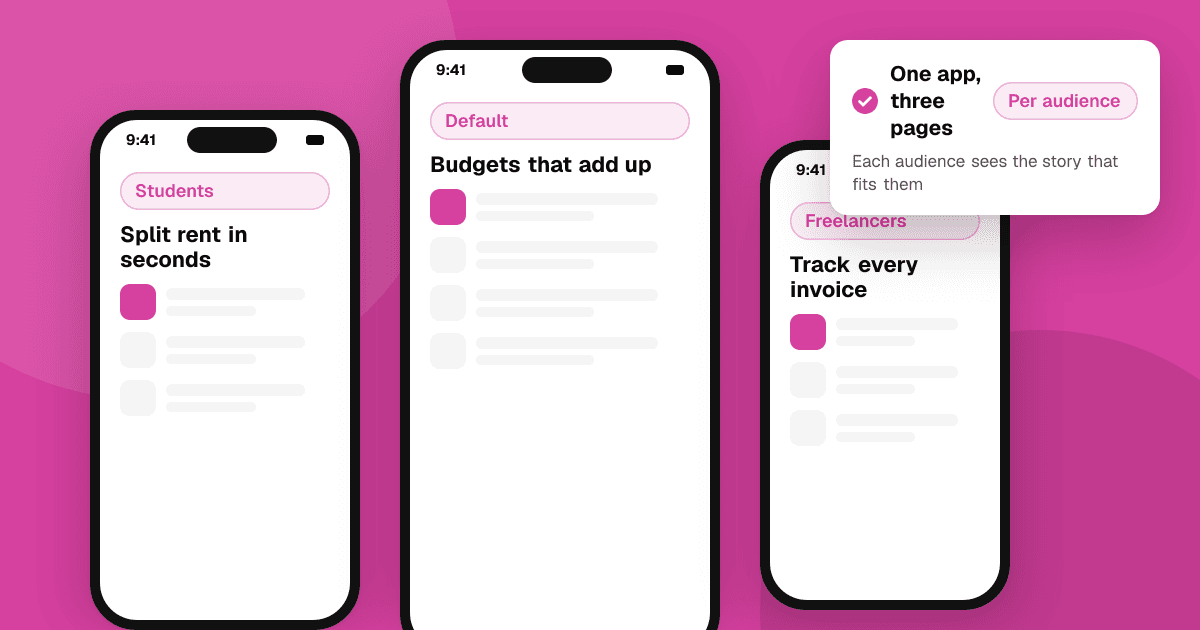
Short answer: both stores let you create extra versions of your store page for different audiences. On the App Store they're custom product pages (up to 70), each with its own screenshots, previews, promotional text, unique link and, since 2025, its own search keywords and deep link. On Google Play they're custom store listings (up to 50), which can target countries, search keywords, audiences such as lapsed users, specific links or ad campaigns. Use them when different groups come to your app for different reasons, and send each group to the page that speaks to them.
Why would I need more than one store page?
One app often serves several audiences. A budgeting app might attract students, families and freelancers. A single set of screenshots can only lead with one story. Matching the page to where the visitor came from (a post for freelancers, an ad for students) usually means more of them install.
How do App Store custom product pages work?
- Created in App Store Connect, alongside your default product page.
- Each page can have its own screenshots, app previews and promotional text. The app name, icon and description stay the same.
- Each page gets a unique URL you can use in posts, emails and Apple Ads, and can open a specific place in your app with a deep link (iOS 18 and later).
- Since 2025 you can assign keywords to a custom product page, so it can also appear in App Store search results for those terms.
- You can create up to 70 pages.
- New pages go through App Review before they go live, but don't need a new app version.
- App Store Connect shows impressions, downloads and conversion per page, so you can compare them.
How do Google Play custom store listings work?
- Created in Play Console under store presence.
- Each listing can change the title, short and full descriptions, icon, screenshots and video.
- Target listings by country or region, search keywords, pre-registration, audiences such as churned or lapsed users and buyers or non-buyers, a unique link or Google Ads campaign.
- You can have up to 50 custom listings, and only one listing per country.
- Use store listing experiments separately to A/B test a listing.
When are they worth the effort?
- You run ads or posts for clearly different audiences.
- Your app has one feature some people care about most (offline maps for hikers, shared lists for families).
- You want a country-specific page with local screenshots and examples (see app localization).
- You're re-engaging past users with a page that shows what changed.
If you have one audience and little traffic, improve your default page first. Read app screenshots and icons that convert.
What are good rules for custom pages?
- Match the message. The first screenshot should repeat the promise from the post or ad that sent people there.
- Keep it honest. Show features the app really has; both stores reject misleading pages.
- Don't fake social proof. Never add star counts or review quotes that you don't control in screenshots.
- Measure per page. Compare conversion for each page with your default page over the same period.
Next steps
List your two or three biggest audiences and where they come from. Build one custom page for the largest one, link to it from that channel, and compare it with your default page after a few weeks. For a free extra channel, list your app on TrueLaunch and link the page that fits our developer and early-adopter audience.
Frequently asked questions
What can I change on an App Store custom product page?
Screenshots, app previews, promotional text, and since 2025 search keywords and a deep link. The app name, icon, subtitle and description come from your default product page.
Can Google Play custom store listings target a country?
Yes, with one custom listing per country. You can also target by search keywords, audiences such as lapsed users, a unique URL or a Google Ads campaign.
Do custom product pages need App Review?
Yes. New App Store custom product pages are reviewed before they go live, but you don't need to submit a new version of your app.