Google Play production access: how to apply after closed testing
Finished your 14-day closed test? How to apply for Google Play production access, answer each question well, and what to do if your application is rejected.
· 4 min read
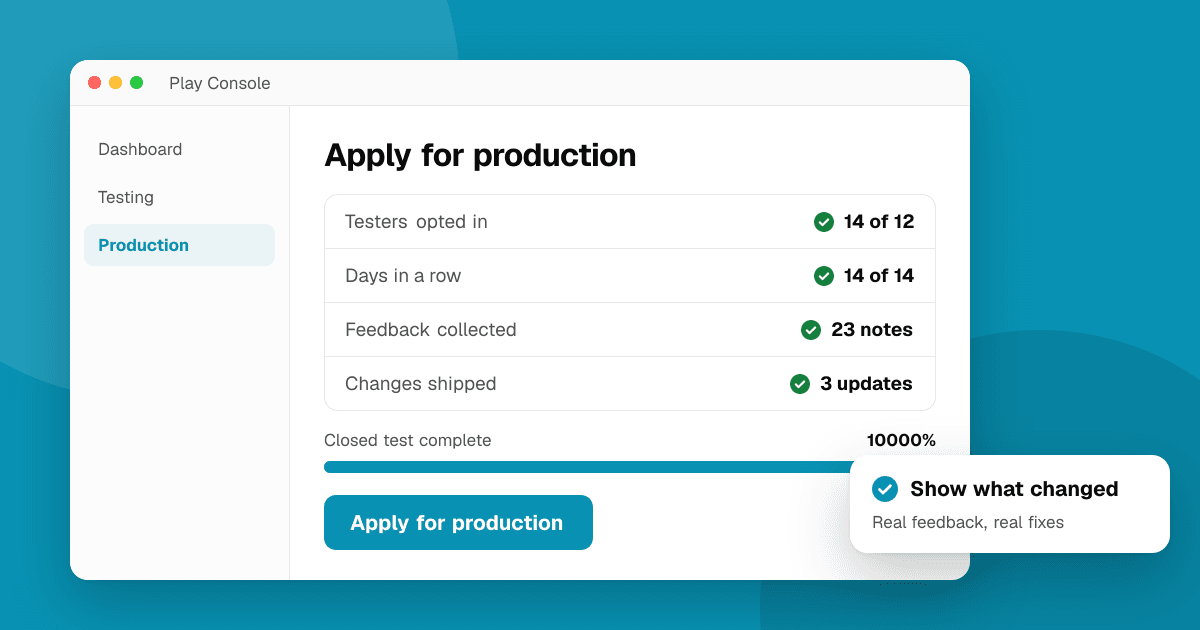
Short answer: once your closed test has had at least 12 testers opted in for 14 days in a row, Play Console unlocks Apply for production on the dashboard. You answer a short form about your test, your app and what you changed because of testers' feedback. Google reviews it, usually within days, and either grants production access or asks you to keep testing. The answers that work are specific: real numbers, real feedback, real changes.
This applies to personal developer accounts created after November 13, 2023. Organization accounts don't need it. If you haven't run the test yet, start with Google Play closed testing: how to get 12 testers for 14 days.
When can I apply for production access?
When both conditions are true at the same time:
- 12 or more testers are opted in to your closed test, and
- they have stayed opted in for 14 consecutive days.
Google counts testers who have stayed opted in continuously for the last 14 days, and Play Console shows your progress on the dashboard. A tester who leaves and rejoins starts their 14 days again, so invite a few more people than you need.
What does the application ask?
The form has three parts. Wording changes over time, but the questions cover the same ground.
About your closed test
- How easy was it to recruit testers?
- How engaged were they: did they open the app, use the main features, send feedback?
- A summary of the feedback you received and how you collected it.
About your app
- Who the app is for and what it does for them.
- How many installs you expect in the first year.
Production readiness
- What you changed based on the test.
- How you decided the app is ready for production.
How do I answer so the application is approved?
Treat it like a short report, not a formality.
- Use numbers. "14 testers, 11 used the app on at least 5 days, 23 pieces of feedback" beats "testers liked it".
- Quote real feedback. Two or three short examples of what testers said, including problems.
- Name the changes. "Fixed a crash on Android 12 when rotating the camera screen; shortened sign-up from 4 steps to 2." Changes show the test was real.
- Describe how you collected feedback. A form link in the app, a group chat, email, Play Console's private feedback. Anything concrete.
- Be honest about the audience. A modest, believable install estimate is fine.
If your test had little real use, the form is hard to answer well. That's the point of it. It's better to extend the test and get real feedback than to submit thin answers.
What if production access is rejected?
Google's email usually says the app needs more testing. Don't start over with a new account; it doesn't help and can look like evasion.
- Keep the closed test running and re-engage testers with specific tasks ("try the new onboarding", "complete one workout").
- Ship at least one update based on what they report, and note what changed.
- Apply again from the same dashboard when you have better answers. There is no fixed number of attempts, but each application should show progress.
How long does production access take?
Reviews often take a few days and sometimes longer, so don't plan a launch for the day after you apply. After access is granted, your first production release still goes through normal app review, so plan your launch date with a buffer of a week or two.
What should I do once I'm in production?
Production access is the start, not the finish. Set up your store listing properly (how to publish an app on the Google Play Store), keep the testers who helped you, and give new users a way to reach you. List your app on TrueLaunch for free on launch day to get honest reviews from people outside your circle, with no waiting queue.
Frequently asked questions
Do organization accounts need to apply for production access?
No. The 12 testers for 14 days requirement and the production access application apply to personal developer accounts created after November 13, 2023.
Can I apply for production access before 14 days?
No. The Apply for production button only becomes available after at least 12 testers have stayed opted in to your closed test for 14 consecutive days.
What happens if my production access is rejected?
Keep the closed test running, collect more feedback, ship changes based on it and apply again from the Play Console dashboard. Each new application should show what improved.