How to relaunch your app after a quiet first launch
Your launch went quietly? Find out why, fix the real problem, and plan a second launch around a meaningful update, with a new story and a better audience.
· 3 min read
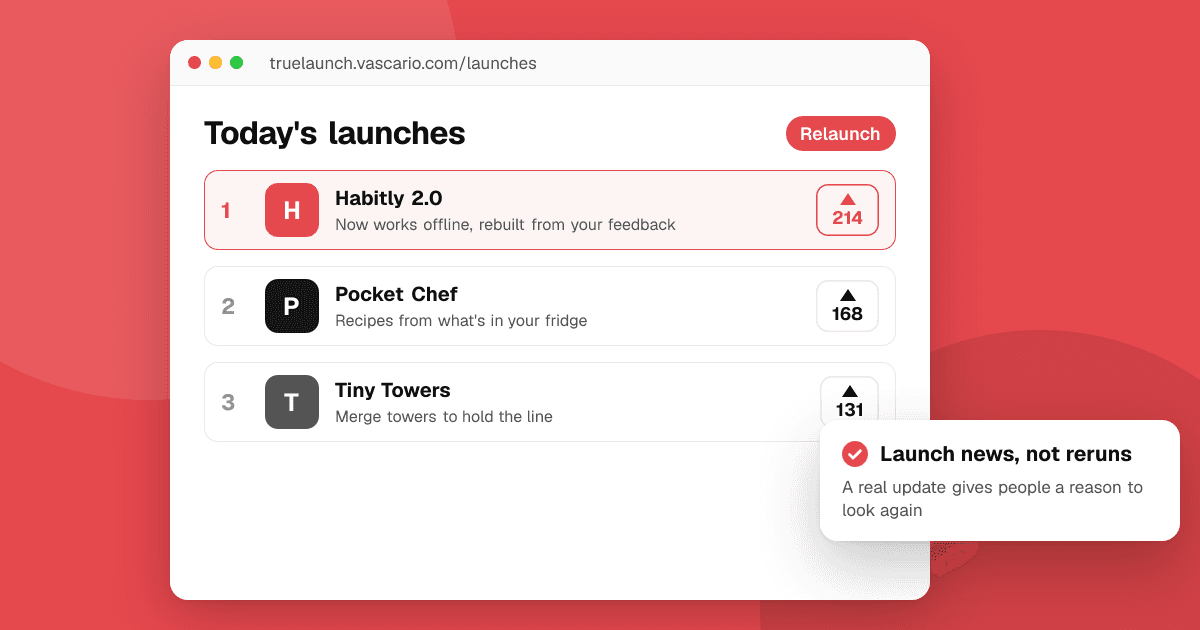
Short answer: a quiet launch is common and fixable. First find out why it was quiet: wrong audience, unclear message or a product that didn't keep people. Fix the biggest reason, ship a meaningful update, and relaunch with a new story ("2.0: now works offline") in places your real audience reads. A relaunch works when something has really changed; repeating the same post rarely does.
Why was my first launch quiet?
Look at your numbers and sort the problem into one of three groups:
- Few people saw it. Low store page visits and few post views. The problem is reach or the channel.
- People saw it but didn't install. Many visits, few downloads. The problem is the message, screenshots or audience fit.
- People installed but didn't stay. Downloads but poor day-1 and day-7 retention. The problem is the product or onboarding.
Each group needs a different fix. Read app metrics that matter for what to measure.
What should I fix before relaunching?
- Reach problem: build an audience first: an email list, a community or a few creators who care about your niche.
- Message problem: rewrite your one-line pitch and first two screenshots around the main benefit. See how to write an app description that converts.
- Product problem: watch five people use the app, fix the first-session drop-off, and get honest reviews before going wide.
What counts as a reason to relaunch?
Communities and press react to news, not repetition. Good reasons:
- A major version with a feature people asked for.
- A new platform (now on iOS, now on tablets).
- A new audience or use case the app now serves well.
- A rebuild that fixes what early reviews complained about.
Many launch sites allow a new launch only for a meaningful update, so check each place's rules.
How do I plan the relaunch?
- Write the story: what was wrong, what you learned, what changed. Honest stories travel well.
- Prepare assets: new screenshots, a short video, an updated store listing.
- Line up early supporters: people who gave feedback the first time, your email list, beta testers.
- Pick a launch day and post where your audience is, spread across a week.
- Reply to every comment and ship a quick fix release in the following days.
Our app launch checklist covers the full timeline.
What should I avoid?
- Relaunching unchanged with a new title.
- Buying reviews or votes to look popular. It breaks store and community rules and usually backfires. See why you should never buy app reviews.
- Deleting and re-uploading the app to look new. You lose your history, reviews and users.
Next steps
Find which of the three problems hurt your first launch, fix it, and write the one-paragraph story of what changed. Then pick your relaunch day, and if your app isn't on TrueLaunch yet, submit it and choose a day on the launches board.
Frequently asked questions
Can I launch the same app twice?
Yes, if something meaningful changed, such as a major version, a new platform or a big fix. Check each launch site's rules, since many only allow a relaunch after a significant update.
How long should I wait before relaunching?
Long enough to fix the main reason the first launch was quiet and ship that fix. For most indie apps that's a few months, not a few days.
Should I delete my app and publish it again as new?
No. You lose your existing users, reviews and store history, and stores may treat duplicate apps as spam. Update the existing listing instead.