How to run a usability test for your app in one afternoon
Run a five-person usability test for your mobile app in one afternoon: who to recruit, the script to use, what to watch for and how to turn notes into fixes.
· 5 min de leitura
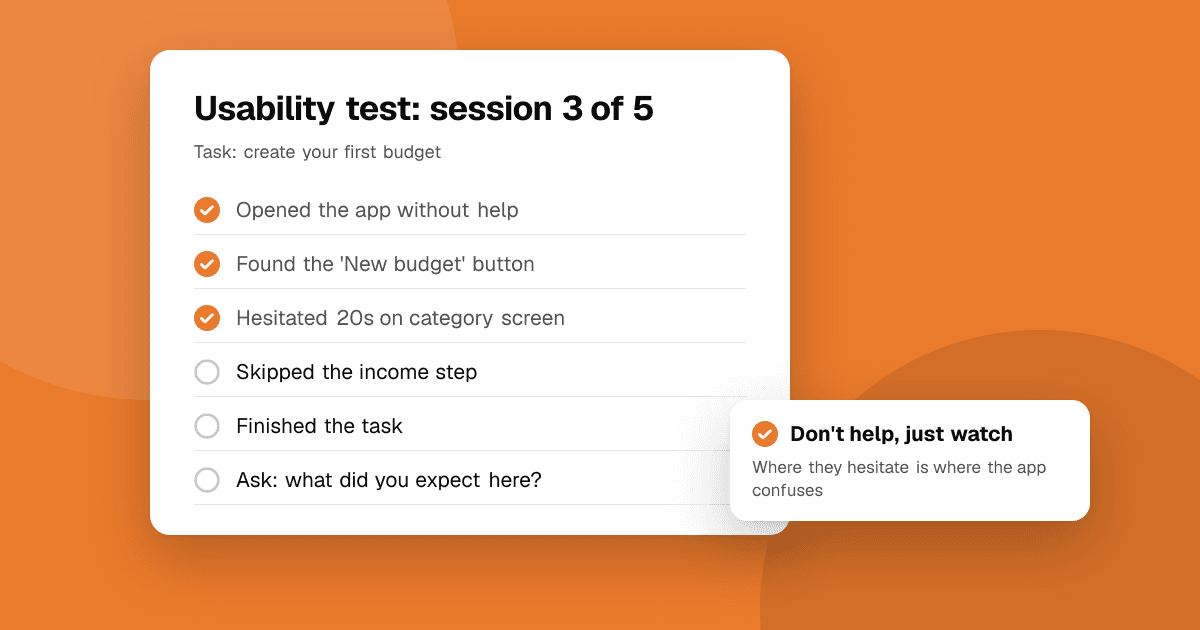
Short answer: find five people who match your target users, give each one a few realistic tasks, and watch them use the app without helping. Ask them to think out loud. Write down every place they hesitate, guess or give up. After five sessions you'll see the same problems repeating, and those are what you fix first. You don't need a lab, special software or a budget: a phone, a quiet room or a video call, and an afternoon are enough.
Why only five people?
Usability testing is about finding problems, not measuring opinions. The biggest problems tend to show up again and again, so the first few people reveal most of them, and each extra person mostly repeats what you've already seen. Five quick sessions, a round of fixes and another five sessions teach you far more than one big test with twenty people.
Who should I test with?
- People who match your users. A budgeting app needs people who manage money, not other developers. A game needs players of that genre.
- People who haven't seen the app. Your co-founder and your best friend already know how it works.
- A mix of devices, including at least one older or cheaper phone if you can.
Good places to find them: friends of friends, a local meetup, a community about your app's topic, or your own users if the app is already out. A small thank-you, like a coffee or a gift card, is fine for their time. It must never be tied to rating or reviewing your app on a store.
How do I prepare?
Spend an hour on this before the first session:
- Pick three to five tasks that matter most. Write them as goals, not instructions. Say "You just got paid. Add this month's rent as an expense." Don't say "Tap the plus button and choose Expense."
- Install the latest build on the test phone, or prepare a TestFlight or Google Play testing link if people use their own phone. Our guide to beta testing platforms explains the options.
- Reset the app state between sessions, so everyone starts as a new user.
- Set up recording, with permission: screen recording on the phone, or a video call with screen sharing for remote tests.
- Print a note sheet with each task and space for observations.
What do I say? A simple script
Read this almost word for word, so every session starts the same way:
Thanks for helping. We're testing the app, not you, so there are no wrong answers. If something is confusing, that's exactly what we need to find out. Please think out loud as you go: say what you're looking at, what you expect and what you're trying to do. I'll mostly stay quiet, because I want to see how it works without me. Is it okay if I record the screen? Only our team will see it.
Then, for each task:
Here's your first task. [Read the task.] Take your time, and tell me when you think you're done.
At the end, ask three short questions:
- What was the most confusing part?
- What did you like most?
- If you could change one thing, what would it be?
What should I watch for?
Your job during the session is to watch and write, not to explain. Note:
- Hesitation: long pauses, scrolling back and forth, tapping the wrong thing first.
- Guessing: "I think this might be it?" means the label or icon isn't clear.
- Workarounds: they reach the goal in a strange way because the obvious way wasn't obvious.
- Giving up: the most important signal. Note exactly where.
- Words they use: if everyone says "save" and your button says "commit", rename the button.
The hardest part is staying quiet. When someone is stuck, count to ten before you say anything. If they're truly stuck, ask "What would you expect to happen?" instead of showing them.
How do I run a remote test?
Remote tests work well and let you reach people anywhere:
- Use any video call tool with screen sharing from the phone.
- Ask them to install the build before the call, so you don't spend half the session on setup.
- Keep each session to about 30 minutes, including the questions at the end.
How do I turn my notes into fixes?
Right after the last session, while it's fresh:
- List every problem you saw, one per line.
- Count how many people hit each one.
- Rate severity: blocked the task, slowed them down, or minor annoyance.
- Fix the problems that blocked people, starting with the ones most people hit.
- Test again with five new people after the fixes. You'll find the next layer of problems, which were hidden behind the first ones.
Small changes often have big effects: a clearer button label, one less screen in onboarding, or an example in an empty state.
What mistakes should I avoid?
- Asking "do you like it?" People will be polite. Watch what they do instead.
- Leading questions like "That was easy, right?"
- Helping too soon. Every time you explain, you hide a problem.
- Defending the design during the session. Write it down and decide later.
- Testing too late. Testing a rough build early is far cheaper than redesigning after launch.
Next steps
Write three tasks today and book five 30-minute sessions this week. For feedback from a wider group once the obvious problems are fixed, submit your app to TrueLaunch to get structured reviews from people who don't know you, and read how to get honest feedback on your app for the questions that get useful answers.
Frequently asked questions
How many people do I need for a usability test?
Five people per round is usually enough to find the biggest problems. Fix those, then test again with five new people rather than testing with many people at once.
Can I run a usability test remotely?
Yes. Use a video call with screen sharing from the phone, have testers install the build before the call, and keep each session to about 30 minutes.
Should I pay usability test participants?
A small thank-you for their time is fine. Never tie it to rating or reviewing your app on Google Play or the App Store, which breaks both stores' policies.
What is the most important rule during a usability test?
Don't help. Watch where people hesitate, guess or give up, and only ask what they expected to happen if they are completely stuck.