Best app feedback tools for indie developers (free and paid)
The app feedback tools indie developers actually use, grouped by job: bug reporting, feedback boards, surveys, beta feedback, crash reports and public reviews.
· 5 min read
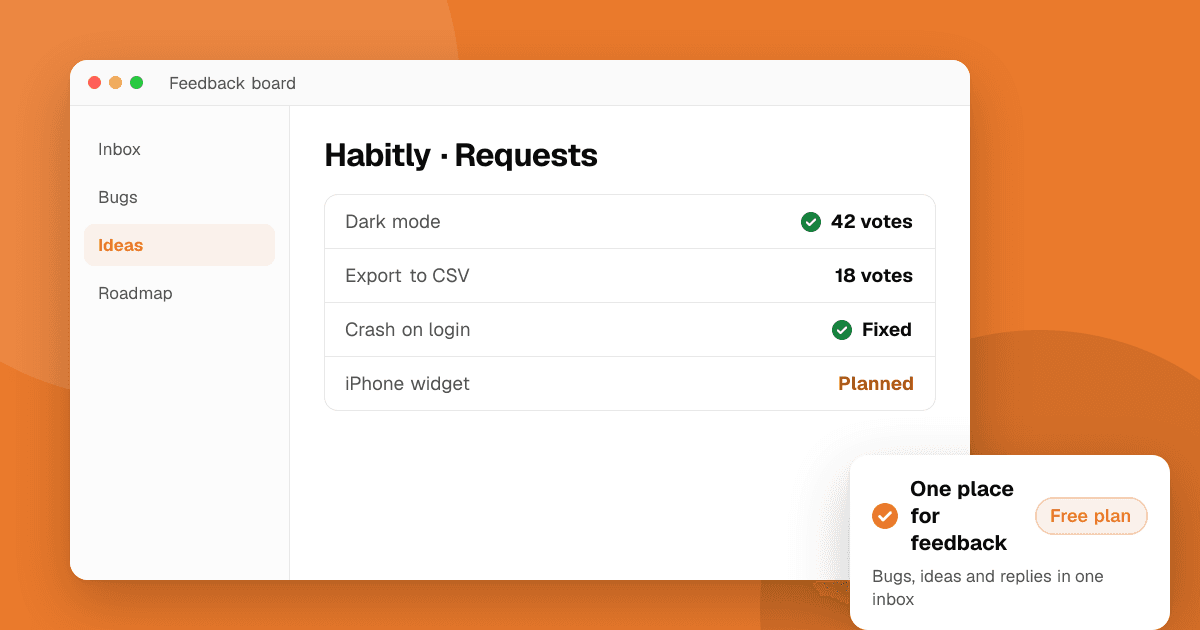
Short answer: there is no single best app feedback tool. Pick one tool for each job you actually have. Most indie developers do well with a free crash reporter (Firebase Crashlytics or Sentry), the built-in feedback in TestFlight and Google Play testing, a free form or survey tool (Google Forms or Tally), and, once ideas pile up, a feedback board (Featurebase, Canny or the open-source Fider). Add a paid in-app bug reporter like Instabug or Shake only when screenshots and device details from real users would save you real time.
What kinds of app feedback tools are there?
"Feedback tool" covers very different products. Sort them by the job they do:
| Job | What it gives you | Examples |
|---|---|---|
| Crash reporting | Automatic crash and error reports | Firebase Crashlytics, Sentry |
| In-app bug reporting | User reports with screenshot and device data | Instabug, Shake |
| Feedback boards | Public idea lists people can vote on | Featurebase, Canny, Fider |
| Surveys and forms | Structured answers to your questions | Google Forms, Tally, Typeform |
| Beta feedback | Reports from testers before release | TestFlight, Google Play testing tracks |
| Public reviews | Honest opinions from new people | TrueLaunch, store reviews |
Plans and limits change often, so check each tool's pricing page before you commit.
Which crash reporting tool should I use?
Start here, because crashes are the feedback users never send. Most people just leave.
- Firebase Crashlytics is free and works on Android, iOS, Flutter and Unity. It groups crashes, shows how many users each affects and sends alerts.
- Sentry covers crashes, errors and performance across mobile, web and backend, and has a free plan for small projects. It's a good fit if you also run a web app or an API.
Both need a privacy review: check what they collect and list it in your store privacy labels. For setup and what to watch, read crash reporting for indie developers.
What is the best in-app bug reporting tool?
In-app bug reporters let users (or testers) send a report with a screenshot, device model, OS version and recent logs attached, often by shaking the phone.
- Instabug is a mature, full-featured option used by larger teams. Pricing is sales-led and it does not list a free plan, so it suits funded teams more than solo developers.
- Shake offers a free plan with a limited number of reports, plus paid plans for more apps and reports.
If you're solo, a "Send feedback" button that opens an email or a form with the app version filled in does most of the same job for free.
Which feedback board or feature request tool is best?
A feedback board is a public page where users post ideas, vote and see what you're working on. It's useful once you get the same requests again and again.
- Featurebase has a free plan and combines a feedback board, roadmap and changelog.
- Canny is well known and polished. Its free plan is limited, so check whether the limits fit your user count.
- Fider is open source. It's free if you host it yourself, but you handle the server, updates and backups.
Votes show popularity, not value. Read the reasons behind requests, and weigh them against your own goals before building anything.
What are the best survey and form tools for app feedback?
For one-off questions, onboarding interviews or longer surveys you link to from the app:
- Google Forms is free and familiar. Answers go straight into a spreadsheet.
- Tally has a generous free plan with unlimited forms and responses, and a clean, modern look.
- Typeform shows one question at a time, which some people find friendlier. Its free plan is limited, so it's best for small surveys.
Keep surveys short and ask at the right moment. See how to run an in-app survey for question wording and timing.
How do I collect feedback from beta testers?
You may not need another tool for this:
- TestFlight lets testers send feedback with a screenshot, and crash comments, directly from the build. You see it in App Store Connect with the device and OS details.
- Google Play testing tracks (internal, closed and open) let testers install pre-release builds and send private feedback to you from the Play Store.
Pair either with a short form for structured questions. For a full comparison of beta services, read beta testing platforms for indie developers.
Where can I get honest feedback from people who don't know me?
The tools above collect feedback from people who already use your app. The hardest feedback to get is from strangers: what someone thinks in the first five minutes, before they decide to stay.
- TrueLaunch is a free listing site where real people try apps and games and write structured reviews: what worked, what to improve and what broke. Ratings come only from reviews written on the site, never from the app stores, and money can't change them.
- Communities like developer subreddits and Discord servers can also give blunt first impressions if you follow their rules.
- Store reviews are public and valuable, but they arrive after launch and only from people who chose to write one.
How do I choose the right feedback tool?
- Start free. Crash reporting, TestFlight or Play testing, and a form cover most needs.
- Add a tool when a problem repeats. Too many emails asking for the same feature? Add a board. Can't reproduce bugs? Add an in-app reporter.
- Check privacy. Every SDK you add can collect data. Make sure it matches your privacy policy and store labels.
- Close the loop. Whatever you use, reply to people and tell them when you ship what they asked for.
Next steps
Set up a crash reporter today if you don't have one, and add a simple "Send feedback" link in your settings screen. Then get fresh eyes on your app: list it on TrueLaunch for free and read what real people think.
Frequently asked questions
What is the best free app feedback tool?
It depends on the job. Firebase Crashlytics is free for crash reports, Google Forms and Tally are free for surveys, Featurebase has a free plan for feedback boards and Fider is open source if you host it yourself.
Do I need an in-app bug reporting SDK?
Not at first. A feedback button that opens a form or email with the app version filled in works for most small apps. An SDK like Instabug or Shake helps when you need screenshots and device details to reproduce bugs.
How do I get feedback from beta testers?
Use the feedback built into TestFlight on iOS and Google Play testing tracks on Android, and add a short form for specific questions.
Where can I get honest feedback from strangers?
List your app on TrueLaunch for free to get structured reviews from real people, and share it in developer communities that allow feedback posts.