How to get featured on the App Store and Google Play
Store editors pick apps that are polished, accessible and newsworthy. How indie developers nominate an app on the App Store and promote it on Google Play.
· 6 min read
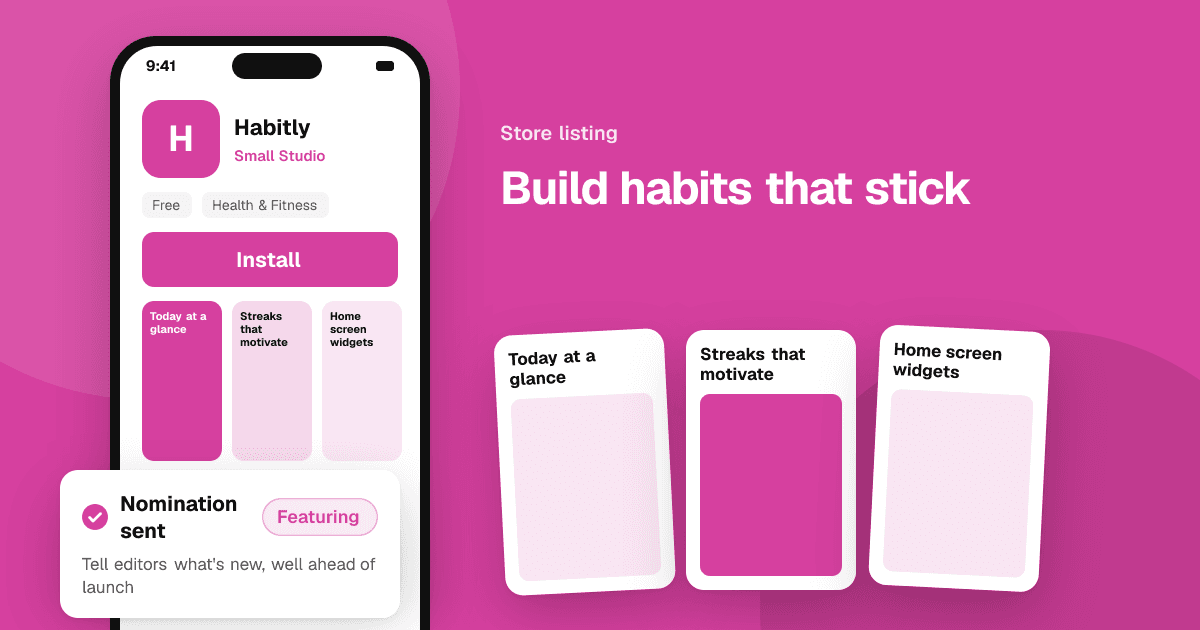
Short answer: build an app that is polished, accessible and localized, then tell the editors about it. On the App Store, submit a featuring nomination in App Store Connect at least three weeks before a launch or major update (up to three months ahead gives you a wider chance), and use in-app events for timely moments. On Google Play, keep your store listing strong, run promotional content for events, offers and major updates if your app is eligible, and enter programs such as the Indie Games Festival when they open. No one can pay for an editorial feature, and no one can guarantee one.
What does "getting featured" actually mean?
Both stores have editorial teams that choose apps and games for stories, lists, collections and banners. A feature can bring a large spike of installs, but it is a choice made by people, based on quality and timing. It is separate from paid ads (Apple Ads on the App Store, App campaigns on Google Play) and from the ranking you earn through search and charts.
Getting featured once is rarely the whole plan. The developers who are featured again and again tend to ship regular, meaningful updates and tell the stores about them each time.
How do I get featured on the App Store?
Apple lets every developer nominate their app directly in App Store Connect. Open your app, go to the Featuring section and create a nomination. You can nominate:
- A new app launch, before it goes live.
- App enhancements, such as a major update or new features.
- New content, such as a new level pack, season or collection.
Each nomination asks for a short description, the publish date, the countries it applies to and why it matters. Apple's guidance asks for at least two weeks of notice, recommends finalizing your plan about three weeks ahead and says submitting up to three months in advance gives the team more room to consider it. Late nominations are much less likely to be picked up, so put the nomination on your release checklist.
Write the nomination for an editor, not a customer. Explain what is new, who it is for and what makes it different. Mention relevant platform features you adopted, accessibility work, localizations and any story behind the app (a solo developer, a cultural focus, a real problem it solves).
What are in-app events, and do they help?
In-app events are timely things happening inside your app: a challenge, a live session, a new season, a premiere. You create them in App Store Connect with an image, a short name and a date range. They appear on your product page and in search results, and editors can feature them on the Today, Games and Apps tabs.
Events give the editorial team a reason to show your app right now. Even when they are not featured, they help people who search for you or already have the app.
How do I get featured on Google Play?
Google Play doesn't have the same open nomination form as the App Store, but there are clear ways to get noticed:
- Promotional content (previously called LiveOps) lets eligible apps and games submit events, offers and major updates from Play Console. This content can appear on your store listing, in search and on the Games or Events tabs, and Google says that running high-quality, frequent promotional content is a signal of ongoing investment that can lead to more featuring.
- Programs for indie developers, such as the Google Play Indie Games Festival, have offered winners featured placements and promotion. Check the Play Console and the Android Developers blog for which programs are open in your region this year, since rules and dates change.
- A strong store listing. Editors and the algorithm both see your listing. Clear screenshots, a short video, a well-written description and custom store listings for key countries all help.
- Technical quality. Android vitals (crash rate, ANR rate) affect how Google Play shows your app. A stable app is a prerequisite for any featuring.
What do store editors look for?
Both stores publish similar guidance, and the themes are consistent:
- Quality and polish. A great first-run experience, no crashes, fast loading and attention to detail.
- Good design. An interface that feels native to the platform and is easy to understand.
- Accessibility. Support for larger text, screen readers, sufficient contrast and other accessibility settings.
- Localization. A fully translated app and store page for the markets you target, including culturally relevant screenshots.
- Use of new platform features. Adopting new OS capabilities such as widgets, Live Activities or new APIs soon after they launch is a common reason to be included in stories.
- A story. Who made it and why. Editors write articles, so a clear human story helps.
- Regular updates. An app that is actively improved is a safer recommendation.
How do I promote my app on the App Store and Google Play without a feature?
Features are a bonus. The day-to-day work is still store optimization:
- Use the right keywords in your title, subtitle and keyword field, or your Google Play title and description. See our app store optimization guide.
- Make the first two screenshots explain the value. See app screenshots and icons that convert.
- Use custom product pages and custom store listings for different audiences or countries. See custom product pages and custom store listings.
- Run in-app events and promotional content for every meaningful update.
- Earn coverage outside the stores. Press and creators bring installs and give editors more reasons to notice you. See how to get press coverage for your app.
Can I pay to get featured?
No. Editorial features on both stores are chosen by the stores' teams and can't be bought. Paid ads are a separate product and are always labeled as ads. Be wary of any agency that promises a feature for a fee. The same applies to ratings: buying reviews or ratings breaks both stores' policies and can get your app removed, so let the quality of the app speak for itself.
Next steps
Add "submit featuring nomination" to your release checklist three weeks before your next update, plan one in-app event or promotional content item for it, and review your store page with fresh eyes. While you wait, get honest feedback from real people so the app is ready for the spotlight: list your app on TrueLaunch for free.
Frequently asked questions
How far in advance should I submit an App Store featuring nomination?
Apple asks for at least two weeks of notice and recommends finalizing your plan about three weeks ahead. Submitting up to three months in advance gives the editorial team more time to consider your app.
Can small indie developers get featured?
Yes. Both stores regularly feature apps and games from solo developers and small studios. Quality, accessibility, localization and a clear story matter more than company size.
Is there a nomination form for Google Play?
Not in the same way as the App Store. Eligible apps can submit promotional content for events, offers and updates in Play Console, which can lead to more featuring, and Google runs programs such as the Indie Games Festival for games.
Can I pay to be featured on the App Store or Google Play?
No. Editorial features can't be bought. Paid ads are a separate product, are labeled as ads and don't count as an editorial feature.