App onboarding best practices: get new users to value in under a minute
App onboarding best practices for indie developers: find your first success moment, cut sign-up friction, ask permissions in context and measure what works.
· 4 min read
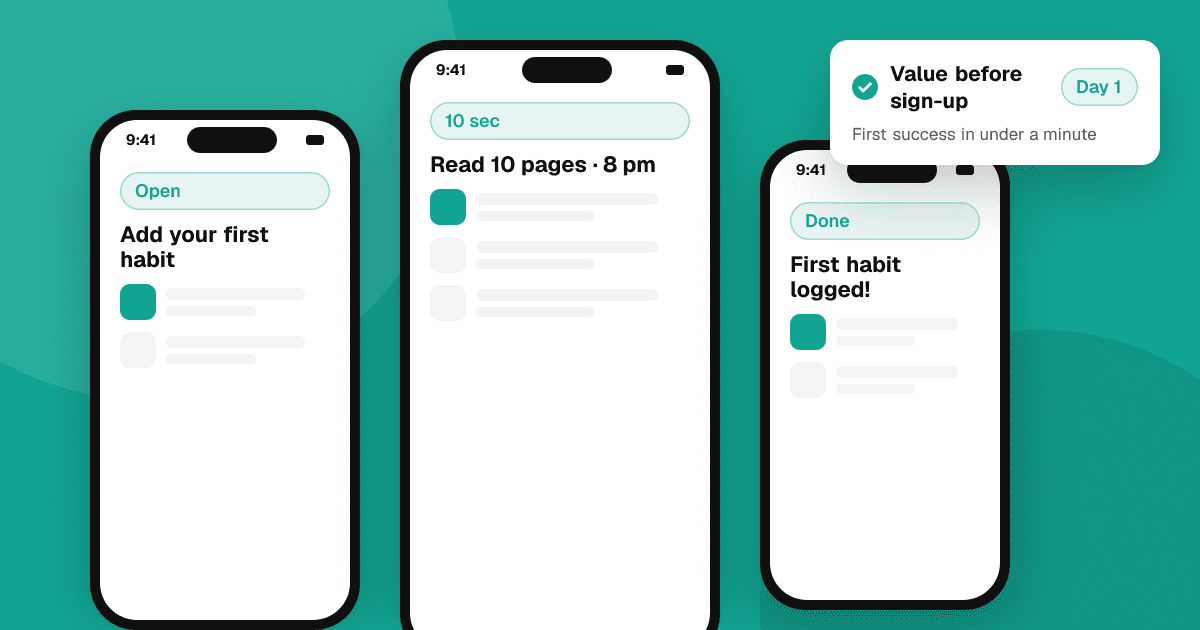
Short answer: good onboarding gets a new user to their first real success as fast as possible. Decide what that moment is (the first habit logged, the first photo edited), remove every step before it that isn't essential, let people try the app before creating an account, and ask for permissions only when a feature needs them. Then measure how many new users reach that moment on day one and improve the biggest drop-off.
What is the first success moment?
It's the point where a new user gets the value your app promises. For a habit tracker it's logging the first habit; for a recipe app, saving the first recipe; for a budgeting app, seeing this month's spending. Write yours down. Every onboarding decision follows from it: anything that doesn't help someone reach it on their first visit is a candidate to cut or delay.
Should my app require sign-up first?
Usually not. A sign-up wall before people see any value is one of the biggest causes of drop-off. Better options:
- Let people use the app straight away and store data on the device.
- Ask them to create an account when there's a clear reason: syncing, backup, sharing.
- Offer fast sign-in options, such as Sign in with Apple and Google, alongside email.
If an account is truly required (a chat app, for example), say why in one line and keep the form short.
Are intro carousels worth it?
Three swipeable screens explaining features before people can use the app rarely help; most people skip them. Show, don't tell: drop users into the real app with a sensible starting state, and explain features at the moment they're useful with a short hint. If you keep a welcome screen, make it one screen with one button.
How should I ask for permissions?
Ask in context, never all at once on first launch:
- Request notifications when someone sets their first reminder, not before. See push notifications users keep on.
- Request camera access when they tap "Scan", and location when they tap "Near me".
- Show a short explanation before the system dialog, because people can only answer that dialog once without going to Settings.
- Make the app useful when they say no.
How do I personalize onboarding without making it long?
One or two questions can help, if each one changes what the user sees next: "What do you want to track?" with three options, then a pre-filled starting screen. Skip questions you only ask for your own analytics. Each extra screen loses some people.
What about empty states?
A new user's first screen is often empty, and an empty list is a dead end. Fill it with one clear action ("Add your first habit"), an example item they can delete, or a template. Empty states are onboarding too.
How do I measure onboarding?
Track a few steps as a simple funnel: app opened, first key screen reached, first success moment, came back on day 2. Use privacy-friendly analytics and only collect what you need; see app metrics that matter for indie developers. Find the step with the biggest drop and fix that first, then measure again.
Numbers don't explain why. Watch five new people try the app with no help, using a one-afternoon usability test. Where they hesitate is where onboarding needs work.
Onboarding checklist
- One clear first success moment, reachable in under a minute.
- No account needed before value, or a one-line reason why.
- Permissions asked in context, with the app still working on "no".
- No long carousel; hints at the moment they help.
- Empty states with a clear first action.
- A funnel to measure, plus a usability test with real people.
Making a game? Read mobile game onboarding: the first five minutes instead. Good onboarding is also the first step of retention.
Next steps
Fresh eyes find onboarding problems you can't see after months of building. List your app on TrueLaunch for free: other developers try it as new users and tell you what worked and what confused them.
Frequently asked questions
How many onboarding screens should an app have?
As few as possible. Many apps work best with no intro screens at all, or one welcome screen, and short hints shown inside the app when a feature is first useful.
When should I ask for push notification permission?
When the user does something that needs it, such as setting a reminder, with a short explanation first. Asking on first launch gets more refusals.
Should users create an account before using my app?
Usually not. Let people try the app first and ask them to create an account when there is a clear benefit, such as syncing or backup.
What is a good onboarding completion rate?
It varies widely by app type. Compare your own numbers over time: measure how many new users reach your first success moment on day one and work on the biggest drop-off.