PWA vs native app: can you put a web app on Google Play and the App Store?
PWA vs native app for indie developers: what web apps can do on Android and iPhone, how to publish a PWA on Google Play, and why App Store wrappers get rejected.
· 4 min read
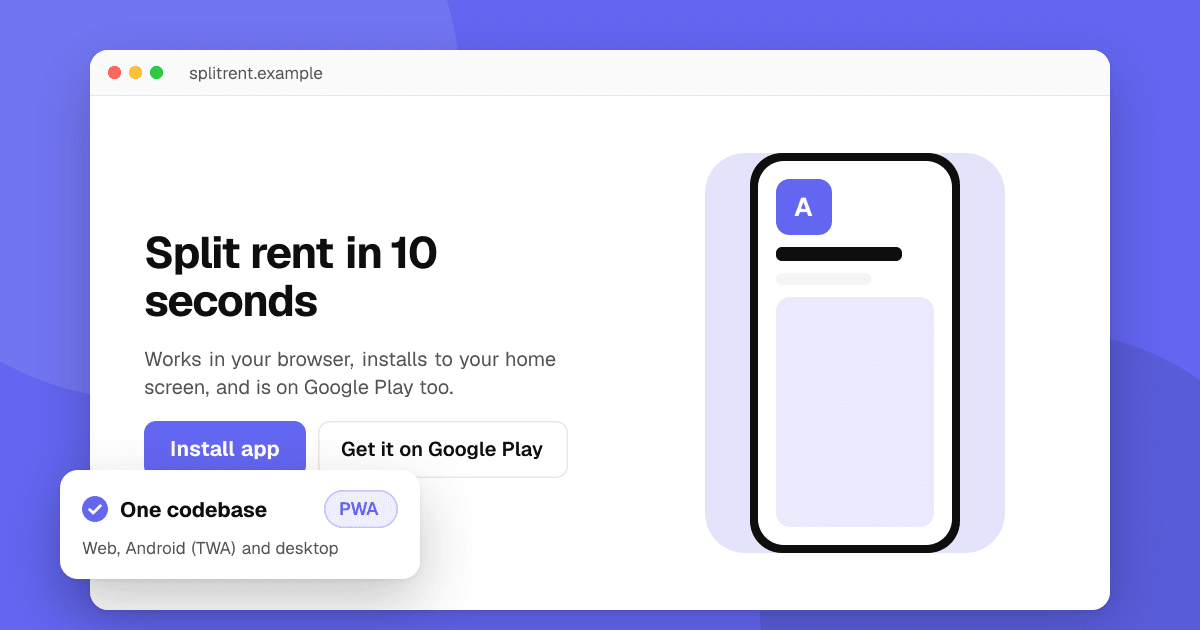
Short answer: a progressive web app (PWA) is a website that can be installed like an app. It's the cheapest way to reach every device, and you can publish it on Google Play with a Trusted Web Activity. The App Store doesn't accept plain PWAs: you need a native wrapper such as Capacitor, and Apple rejects apps that are just a website in a frame. Choose a PWA when your app is mostly forms, lists and content; choose native or cross-platform when you need deep device features, the best performance or App Store discovery.
What can a PWA do today?
Modern PWAs can work offline, be installed on the home screen, send push notifications, use the camera, location and file pickers, and share content. Support differs by browser:
- Android (Chrome and most Chromium browsers): strong support, including install prompts and push.
- iPhone and iPad: people install from Safari's Share menu with "Add to Home Screen". Web push works for installed web apps since iOS 16.4. Some APIs, such as Bluetooth and NFC, aren't available.
- Desktop: Chrome and Edge can install PWAs as desktop apps.
Things a PWA does poorly: widgets, background tasks, deep OS integration, heavy 3D games and anything that needs reliable background location.
How do I publish a PWA on Google Play?
Google Play accepts PWAs packaged as a Trusted Web Activity (TWA): a small Android app that opens your site full screen in the user's browser engine.
- Make sure your site is a solid PWA: HTTPS, a web app manifest, a service worker and good Lighthouse scores.
- Generate the Android project with Bubblewrap (Google's command-line tool) or PWABuilder (a web tool).
- Publish
/.well-known/assetlinks.jsonon your domain with your app's package name and signing key fingerprint, so the browser bar disappears. With Play App Signing, use the app signing key from Play Console; see Android app signing and upload keys. - Upload the app bundle and fill in the listing as for any app. The usual Play rules apply, including closed testing for new personal accounts and the Data safety form.
Digital purchases in a Play app must use Google Play Billing, which web apps can access through the Digital Goods API.
Can I put a PWA on the App Store?
Not directly. You need a native app, usually built with a wrapper such as Capacitor, that loads your web code. Apple's guideline 4.2 (minimum functionality) rejects apps that are basically a repackaged website. To pass review, the app should feel like an app: native navigation, offline support, push notifications, and features that use the device. See why apps get rejected.
PWA vs native vs cross-platform: how do I choose?
- PWA: one codebase, instant updates, no store review for the web version, works on desktop too. Best for tools, dashboards, content and early validation.
- Cross-platform (Flutter, React Native, Capacitor): one codebase in the stores, near-native features, store discovery. Best for most indie apps. Compare options in Flutter, React Native or native.
- Native (Swift, Kotlin): best performance and every platform feature first. Best when the app depends on the OS: widgets, health data, camera-heavy apps, games with custom engines.
A common path: start with a PWA to validate the idea, publish it on Google Play as a TWA, and move to a cross-platform or native app once users ask for features the web can't do.
Does a PWA hurt SEO or discovery?
The opposite: a PWA is a website, so each page can be indexed by search engines, which an app can't. What you lose is store discovery, especially on iPhone. Publishing on Google Play as a TWA gets you that channel on Android. For search, see SEO for your app's website.
Next steps
Pick the option that gets a real version in front of people fastest. Whether it's a PWA, a TWA on Google Play or a store app, you can list it on TrueLaunch for free with a store link or a website link and get honest reviews from other developers.
Frequently asked questions
Can I publish a PWA on Google Play?
Yes. Package it as a Trusted Web Activity with Bubblewrap or PWABuilder, publish an assetlinks.json file on your domain, and upload it like any other app.
Does Apple accept PWAs on the App Store?
Not as plain PWAs. You need a native app, for example built with Capacitor, and it must offer more than a repackaged website or it may be rejected under guideline 4.2.
Do PWAs support push notifications on iPhone?
Yes, since iOS 16.4, for web apps the user has added to the home screen. They don't work for a site that's only open in a Safari tab.
Is a PWA cheaper than a native app?
Usually. One web codebase covers every device, updates are instant and there's no store fee for the web version. Native or cross-platform apps cost more but get store discovery and deeper device features.